

Planets URP
FORGE3D Planets URP gives you ready-made worlds and materials for creating planetary scenes in Unity. Start with a prefab, then change its surface, clouds, atmosphere and lighting to suit your scene.
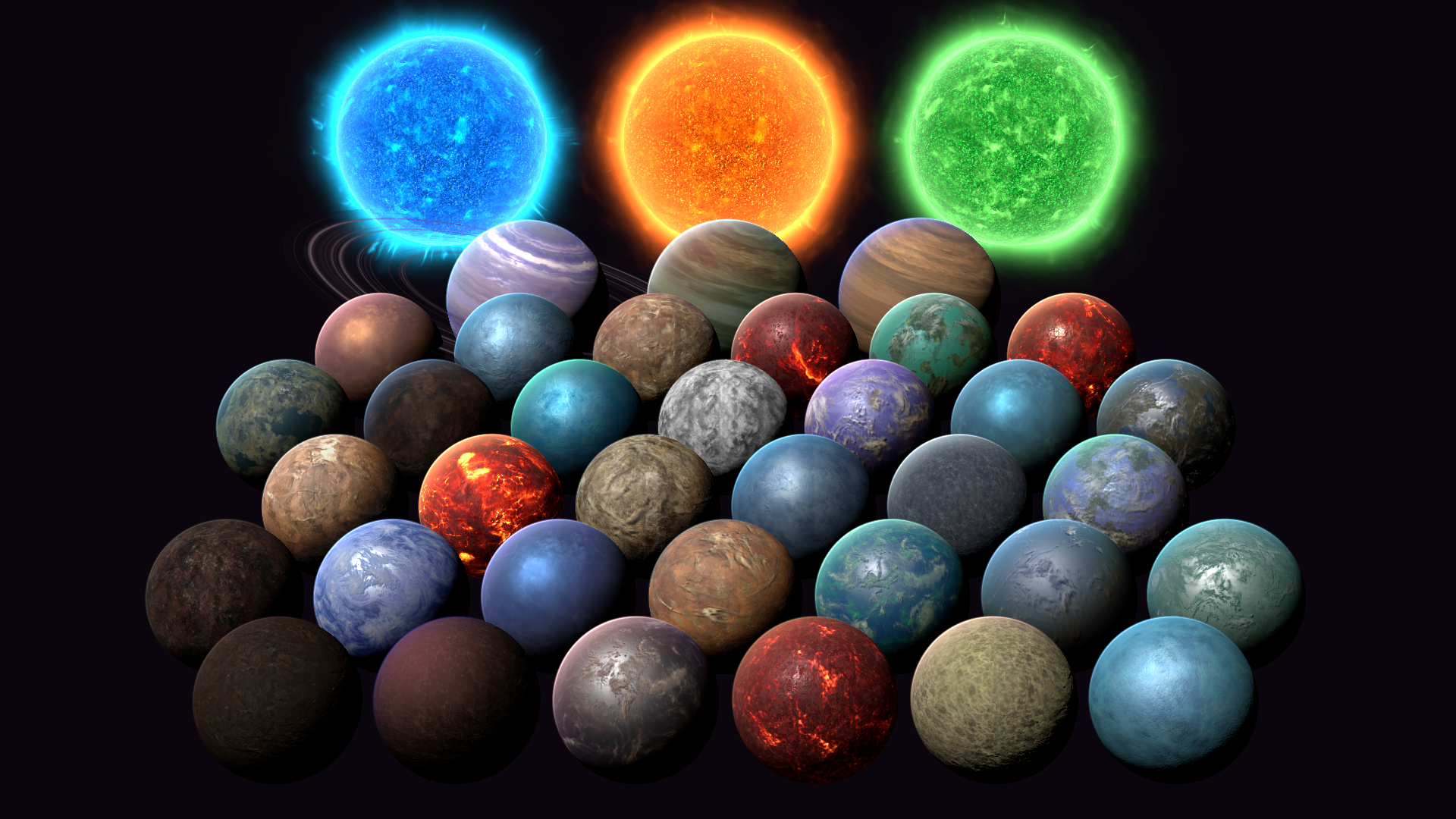
Get your first planet on screen
Follow the Quick Start for a terrestrial world. The package needs two imports: the base assets, followed by the matching URP template. Installation and requirements explains the overwrite step and project settings.
Choose your next task
- Understand planet prefabs: choose a family and find the surface, atmosphere and ring renderers.
- Customize materials: create independent looks without changing the supplied presets.
- Shape surfaces and clouds: work with terrain colors, oceans, clouds and their shadows.
- Set lighting and atmosphere: control day/night appearance, city lights and atmospheric arcs.
- Work with rings and stars: compose gas rings, a Sun surface and its Corona.
- Try practical workflows: build terrestrial, ice, lava, gas and storm looks from existing materials.
Find a setting
The Shader Reference covers all 14 shaders with exact Inspector labels, material paths, practical advice and Before/After examples. For code, see Runtime materials. For integration details, see Performance and Technical reference.
About this guide
This guide covers the non-Unity-6 URP template with Unity 2022.3 and URP 14. Start from the requirements when using another configuration. Planets is a collection of authored meshes, textures, prefabs and shader effects. It does not provide a runtime planet generator, terrain editor or orbital controller.
For help, use Troubleshooting and the FAQ. The existing Changelog preserves historical product release notes; this guide does not assign a new product version. Planets HDRP and the separate 8K texture product are outside this URP guide.