

Atmosphere
Overview
Section titled “Overview”Add a colored scattering glow around a world with a separate atmosphere shell.
Shader menu · Atmosphere
Visual example
Section titled “Visual example”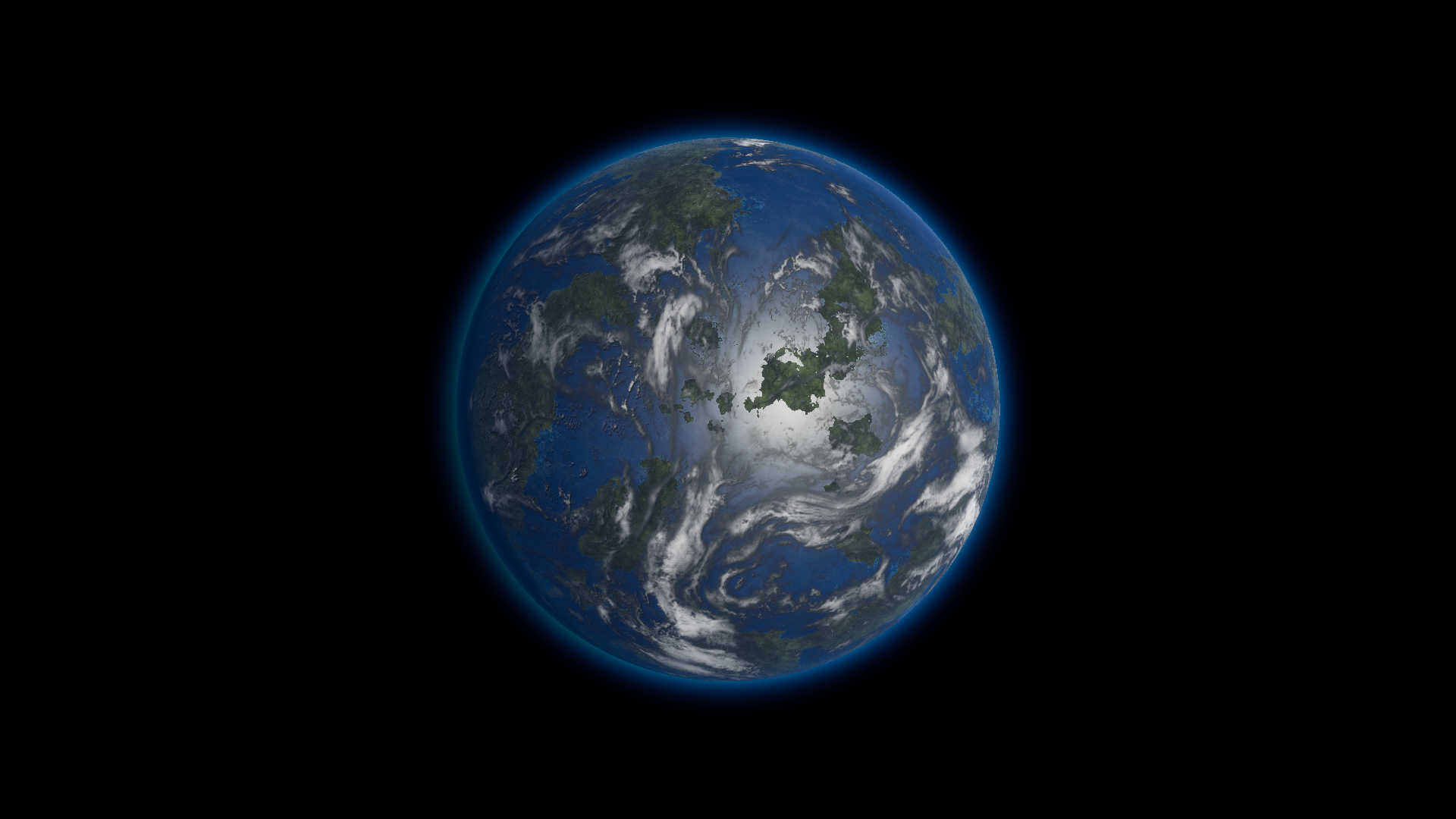
Terrestrial 01 at density_multiplier 999. See the matched density comparison.
Where to find it
Section titled “Where to find it”Paths are relative to Assets/FORGE3D/Planets HDRP.
Find the materials under Atmosphere/. On Prefabs/Planet_Terrestrial_01.prefab, select the Atmosphere_Terrestrial_01 child and its Atmosphere/Atmosphere_Terrestrial_01.mat material.
Main settings
Section titled “Main settings”| Group | Inspector setting and property ID | What it changes |
|---|---|---|
| Atmosphere | Ray _Ray, Mie _Mie, Ambient _Ambient | Color the broad limb, the glow toward the light and the material’s ambient contribution. |
| Emission | light_intensity _light_intensity, density_multiplier _density_multiplier | Set overall glow gain and the density that shapes scattering and attenuation. |
| Atmosphere | Planet Radius _PlanetRadius, Atmosphere Radius _AtmosphereRadius, Global Scale _GlobalScale | Keep these values matched to the authored body and shell. |
Advanced settings
Section titled “Advanced settings”| Group | Inspector setting and property ID | What it changes |
|---|---|---|
| Atmosphere | g _g, mie_height_scale _mie_height_scale | Shape how concentrated the glow is toward the light and how high that part of the glow extends. Start with the preset. |
| Quality | Steps I _StepsI, Steps L _StepsL | Set the sample counts along the viewing path and toward the light. Compare limb quality and frame cost before raising them. |
| Lighting | Use Point Light _UsePointLight | Leave off for a Directional Light. See the single-point shot for a positional setup. |
Practical example
Section titled “Practical example”Keep the stock radii and opaque body. Set a fixed Exposure, then change Ray for the broad rim and light_intensity for brightness. Rotate the Directional Light to move the glow around the limb.
Related topics
Section titled “Related topics”Atmosphere workflow · Lighting and exposure · Shader Reference