

Planets HDRP
Build a cloud-covered Earth-like world, frame a ringed gas giant, or light a close-up of a red star. Planets HDRP gives you ready-to-place prefabs with materials you can tune for your own shot. Start with a complete world and change the surface, atmosphere or effects one layer at a time.
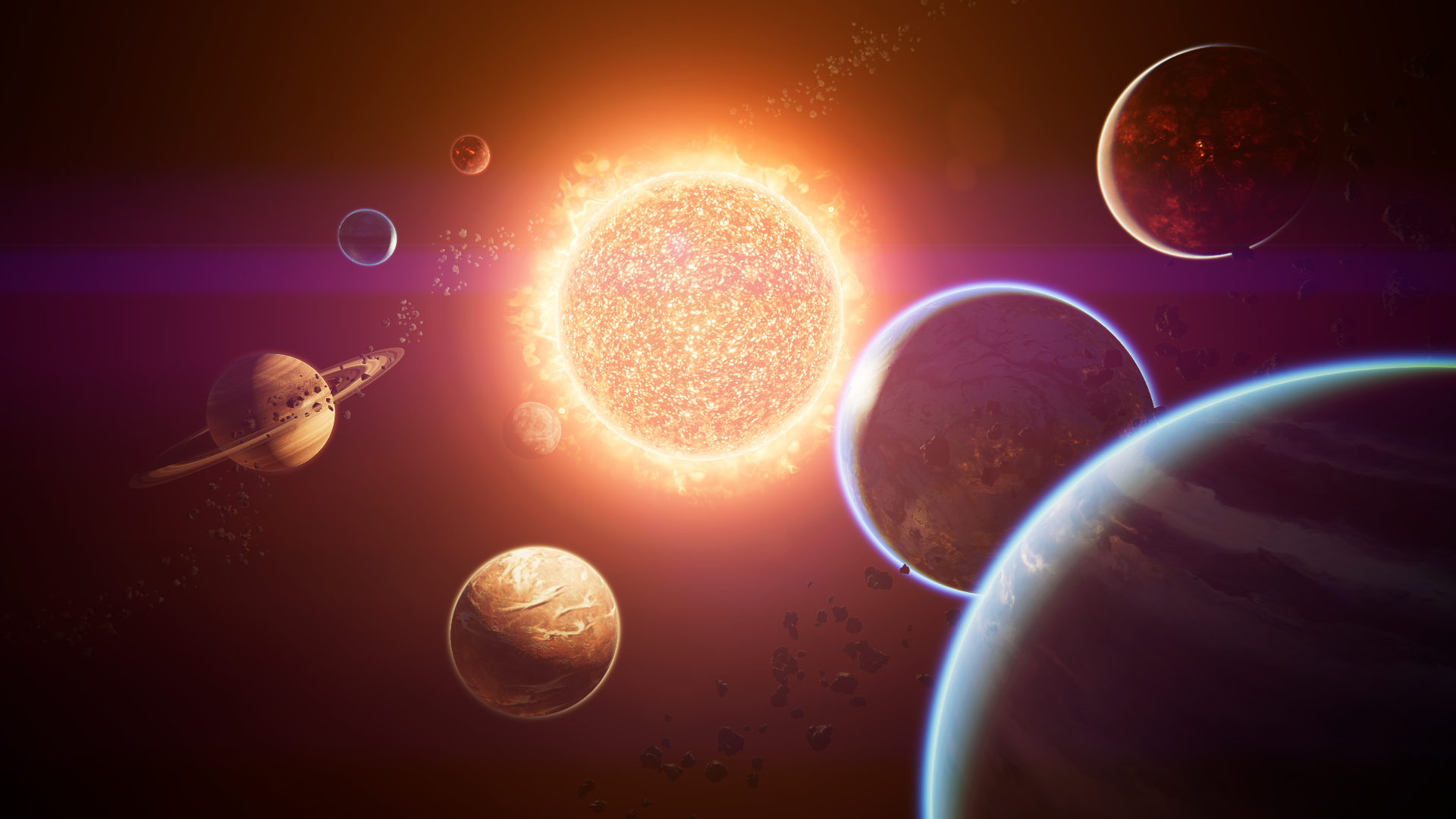
PlanetsDemoscene_02 combines lit planet surfaces, atmospheric rims and stellar glow after configuring HDRP for the demos.
Start here
Section titled “Start here”- Install Planets HDRP and complete the HDRP setup before opening the demos.
- Follow the Quick Start to frame and light
Planet_Terrestrial_01. - Pick a world from Planet types and prefabs and make it your own with Materials and customization.
- Explore atmosphere, planetary rings, night-side cities or Sun and Corona.
- Look up a material in the Shader Reference or find a fix in Troubleshooting.
Working in Unity’s Universal Render Pipeline? See the Planets URP guide.