

Sun Ring
Overview
Section titled “Overview”Draw an additive radial color accent on a ring mesh.
Shader menu · FORGE3D/Planets HD/Sun Ring
Visual example
Section titled “Visual example”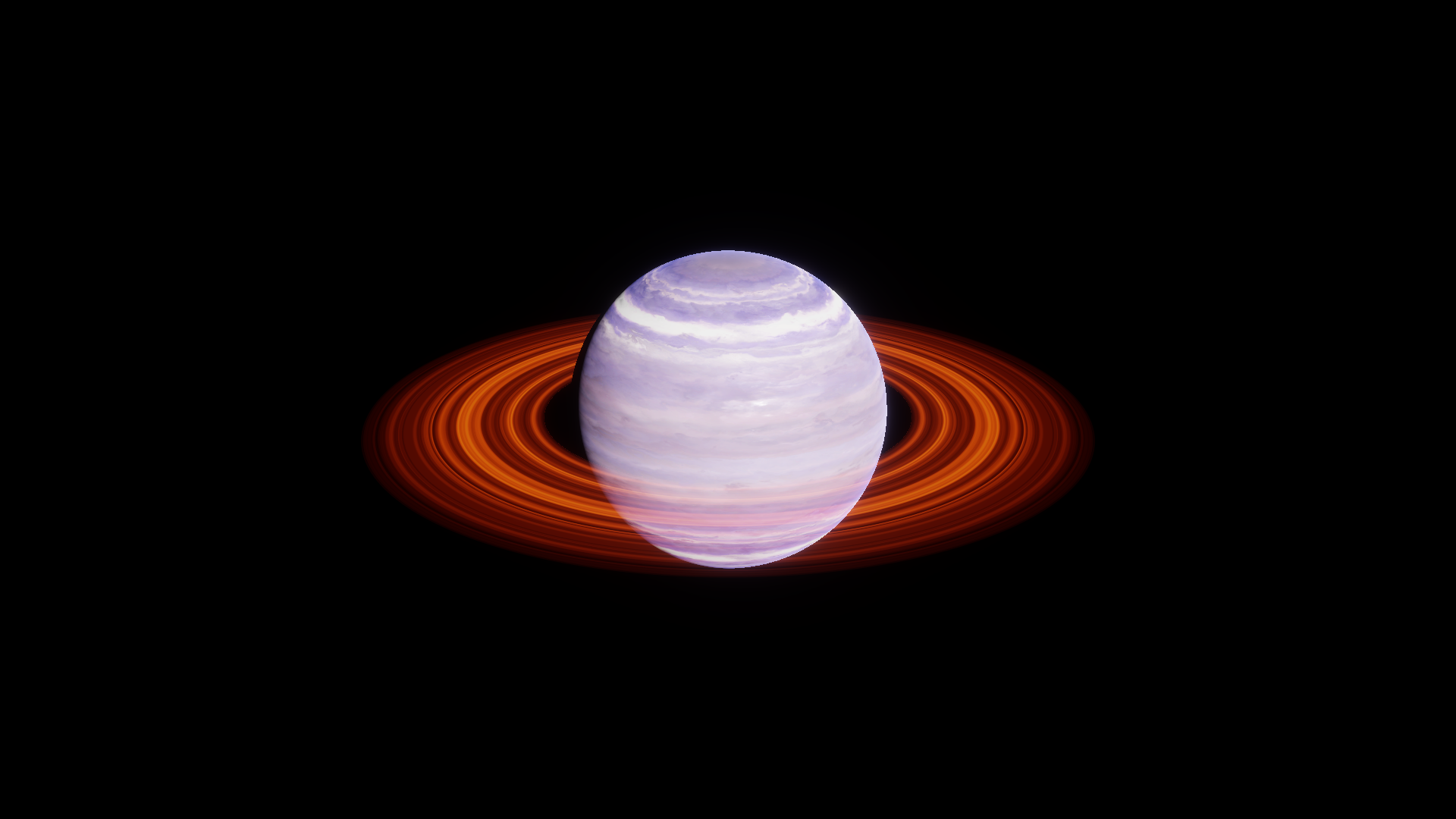
Optional assembly with the supplied SunGlowRing_01 material on the Gas 01 ring mesh. Before · Color B RGB (1.135, 0.184, 0), rounded.
Where to find it
Section titled “Where to find it”Paths are relative to Assets/FORGE3D/Planets HDRP.
Find Sun/Materials/SunGlowRing_01.mat and Sun/Materials/SunGlowRing_02.mat. To build the example, use a separate copy of the ring mesh from Prefabs/Planet_Gas_01.prefab.
Main settings
Section titled “Main settings”| Group | Inspector setting and property ID | What it changes |
|---|---|---|
| Color | Color A _ColorA, Color B _ColorB | Set the two HDR colors that define the glow. |
| Surface | Detail Map _DetailMap, Ring Tint _RingTint | The red component of the tinted radial sample selects between the two colors. |
Advanced settings
Section titled “Advanced settings”| Group | Inspector setting and property ID | What it changes |
|---|---|---|
| Surface | Ring Size _RingSize, Ring Offset _RingOffset | Scale and shift the pattern along the radius. Keep the supplied additive settings when editing the glow. |
Practical example
Section titled “Practical example”Assign a copy of SunGlowRing_01 to an auxiliary ring mesh. Change Color B to RGB (0.18, 0.4, 1.6) for a cooler accent and compare from the same camera at fixed Exposure.
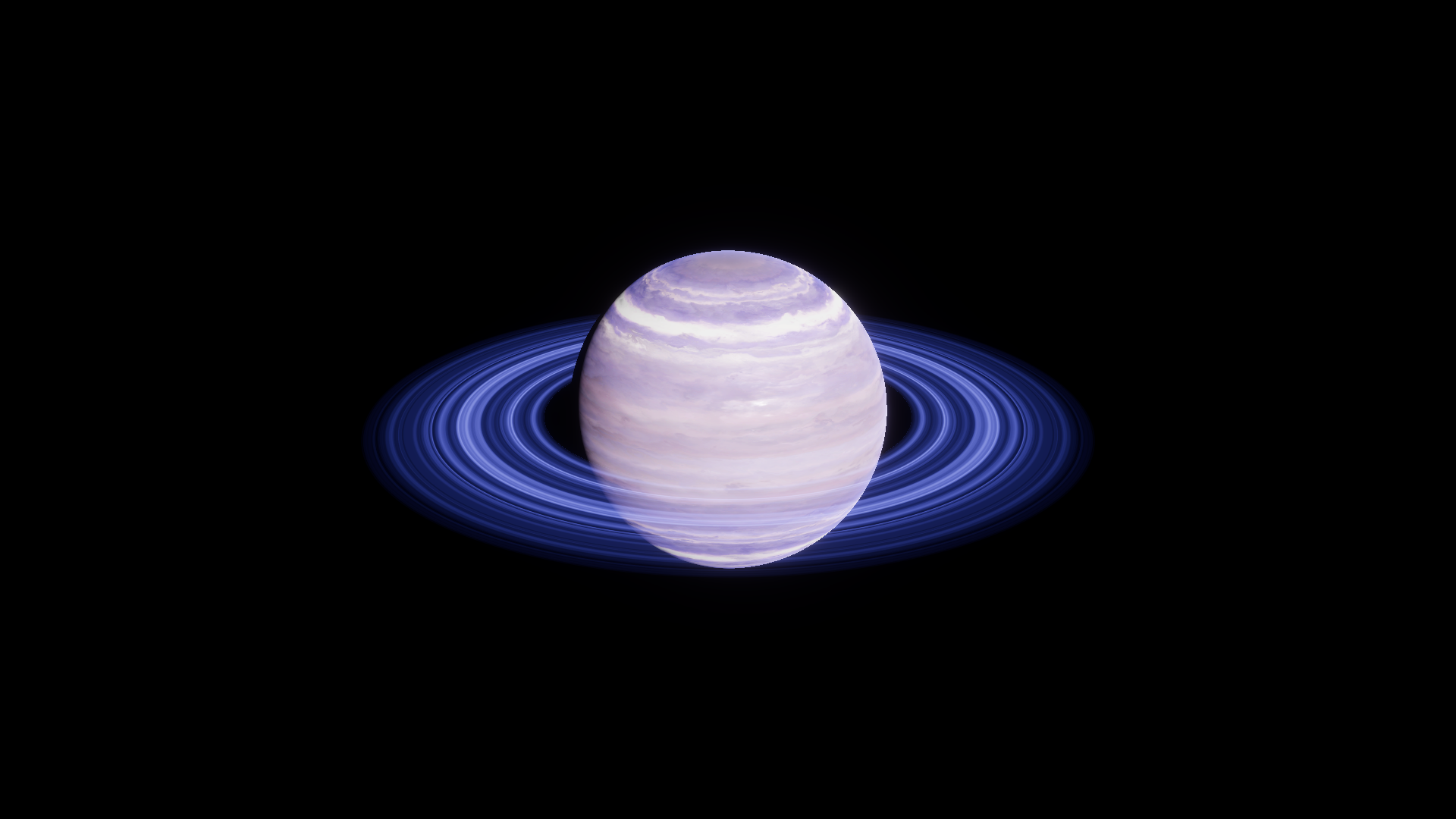
After · Color B RGB (0.18, 0.4, 1.6).