

Sun
Overview
Section titled “Overview”Create a bright animated photosphere with an HDR palette and moving surface flakes.
Shader menu · FORGE3D/Planets HD/Sun
Visual example
Section titled “Visual example”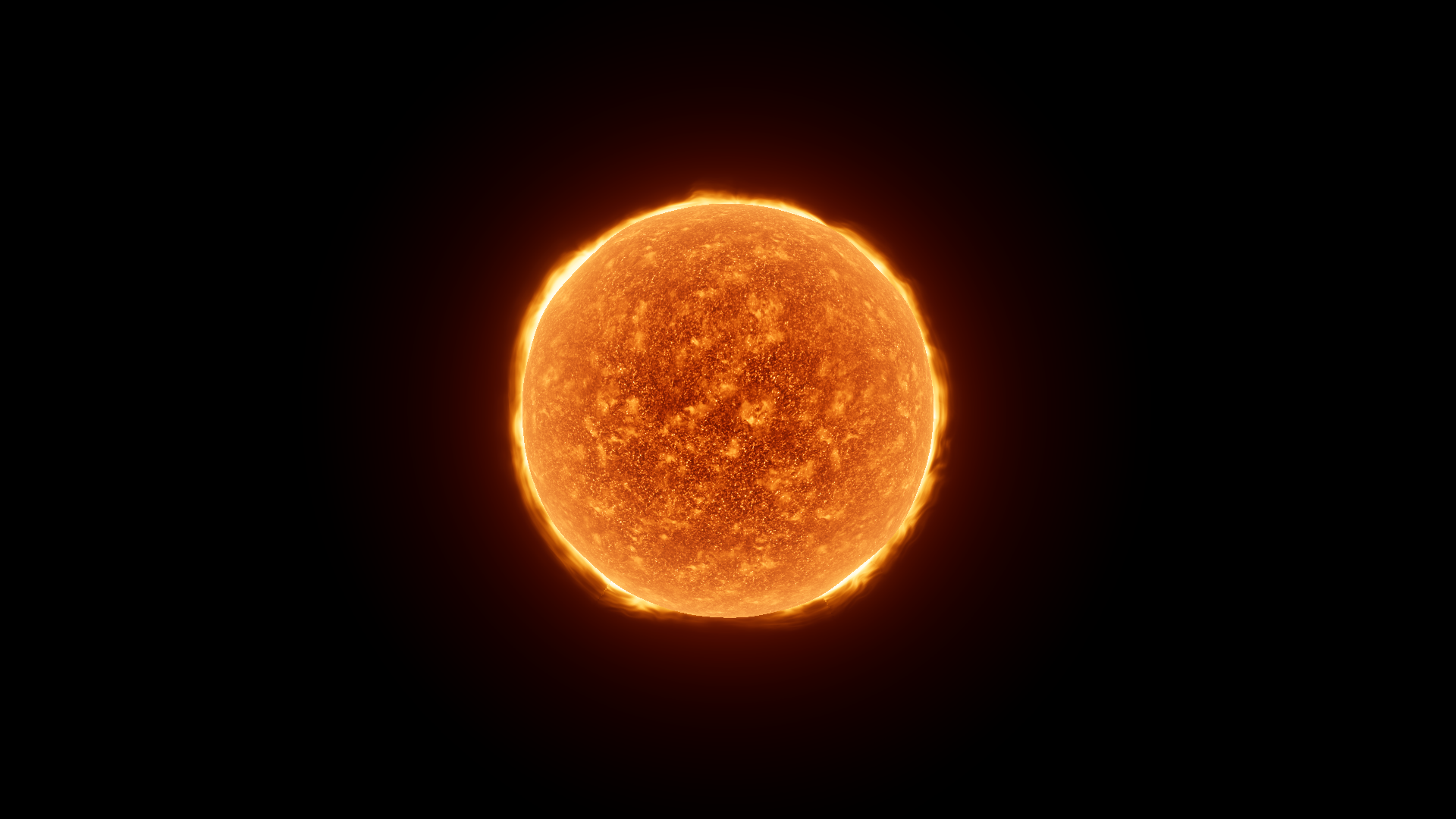
Before · Boost 3.66 on Sun_Red at fixed EV 3.5.
Where to find it
Section titled “Where to find it”Paths are relative to Assets/FORGE3D/Planets HDRP.
Use Prefabs/Sun_Red.prefab with Sun/Materials/Sun_Red_01.mat on its root. The corona plates have a separate material.
Main settings
Section titled “Main settings”| Group | Inspector setting and property ID | What it changes |
|---|---|---|
| Color and emission | Cool _Cool, Warm _Warm, Hot _Hot | Set HDR colors across the stellar surface. The alpha of each swatch weights its contribution. |
| Emission | Boost _Boost, Surface Mult _SurfaceMult, Surface Power _SurfacePower | Tune overall output and the strength and contrast of surface detail. |
| Surface | Surfrace Map _SurfraceMap, Flakes Mult _FlakesMult, Flakes Power _FlakesPower | Supply the R/G surface and flake pattern and tune the bright flakes. |
Advanced settings
Section titled “Advanced settings”| Group | Inspector setting and property ID | What it changes |
|---|---|---|
| Animation | Surface Speed _SurfaceSpeed, Distortion UV Speed _DistortionUVSpeed, Distortion Factor _DistortionFactor | Adjust the movement and distortion. Compare in Play Mode. |
| Surface | Sun R Tiling _SunRTiling, Sun G Tiling _SunGTiling, Triplanar Falloff TriplanarFalloff | Change the size of the two texture patterns and their projection blend. |
| Animation | Vertex Power _VertexPower, Vertex Speed _VertexSpeed | Shape subtle animated displacement near the edge. Start with the original geometry and scale. |
Practical example
Section titled “Practical example”Set fixed Exposure, then lower Boost from 3.66 to 0.55. Look for more separation in the photosphere pattern. The separately assigned corona and atmosphere can still contribute bright light to the image.
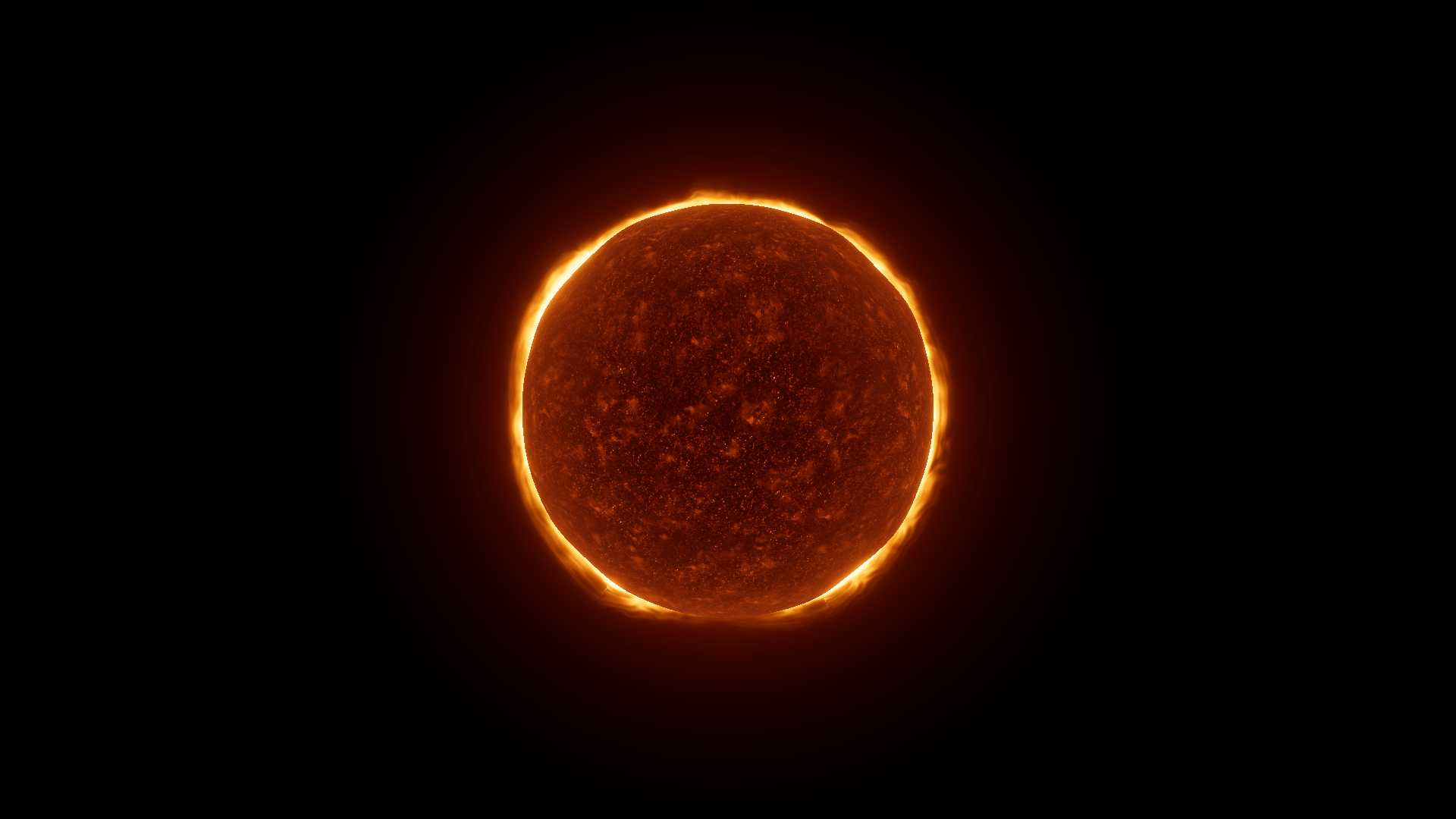
After · Boost 0.55 with the same fixed Exposure.