

Sand
Overview
Section titled “Overview”Build desert worlds with colored highlands and light-driven cloud shadows.
Shader menu · FORGE3D/Planets HD/Sand
Visual example
Section titled “Visual example”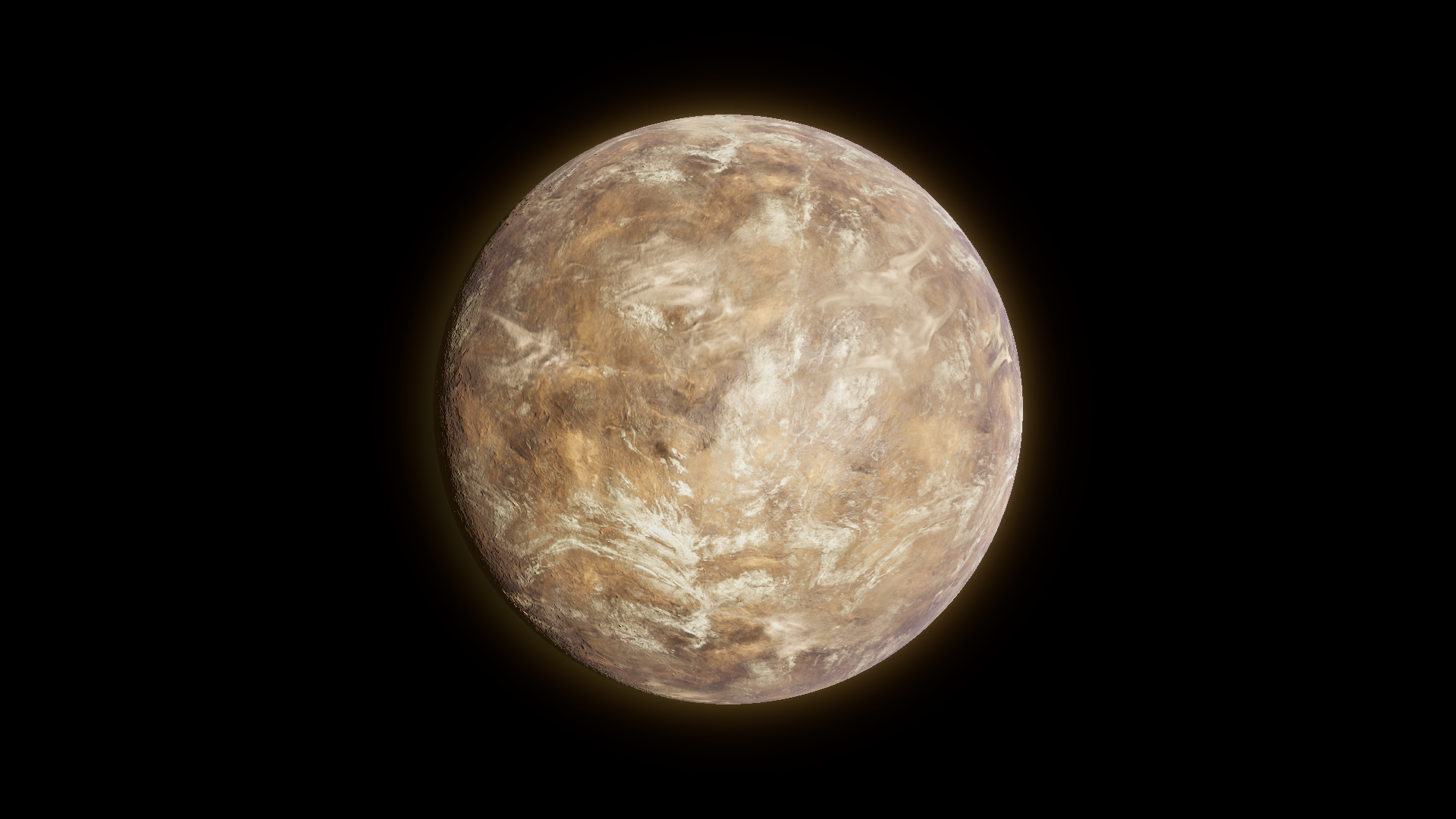
Before · Cloud Shadows 1.
Where to find it
Section titled “Where to find it”Paths are relative to Assets/FORGE3D/Planets HDRP.
Use Prefabs/Planet_Sand_01.prefab with Sandstorm/Materials/Planet_Sand_01.mat on the body.
Main settings
Section titled “Main settings”| Group | Inspector setting and property ID | What it changes |
|---|---|---|
| Color | Base Color _BaseColor, Desert Color _DesertColor, Mountain Color _MountainColor | Set the ground palette. |
| Surface | Detail Map _DetailMap, Desert Coverage _DesertCoverage, Mountain Coverage _MountainCoverage | Shape where the desert and mountain colors blend. Red and green in the supplied map help separate those regions. |
| Clouds | Clouds Tint _CloudsTint, Clouds Output _CloudsOutput, Cloud Shadows _CloudShadows | Tune visible clouds independently from their ground darkening. |
Advanced settings
Section titled “Advanced settings”| Group | Inspector setting and property ID | What it changes |
|---|---|---|
| Surface | Normal Scale _NormalScale, Detail Tiling _DetailTiling, TriplanarFalloff _TriplanarFalloff | Tune relief, pattern size and projection blending. |
| Lighting | Specular Color _SpecularColor, Specular _Specular, Smoothness _Smoothness | Tune lit terrain highlights where the detail mask allows them. |
| Clouds | Cloud Boost _CloudBoost, Clouds Top Speed _CloudsTopSpeed, Clouds Middle Speed _CloudsMiddleSpeed | Shape the cloud contribution and animate the two patterns. |
Practical example
Section titled “Practical example”Compare Cloud Shadows 1 and 0 without changing the cloud textures. Inspect the lit ground under the cloud bands.
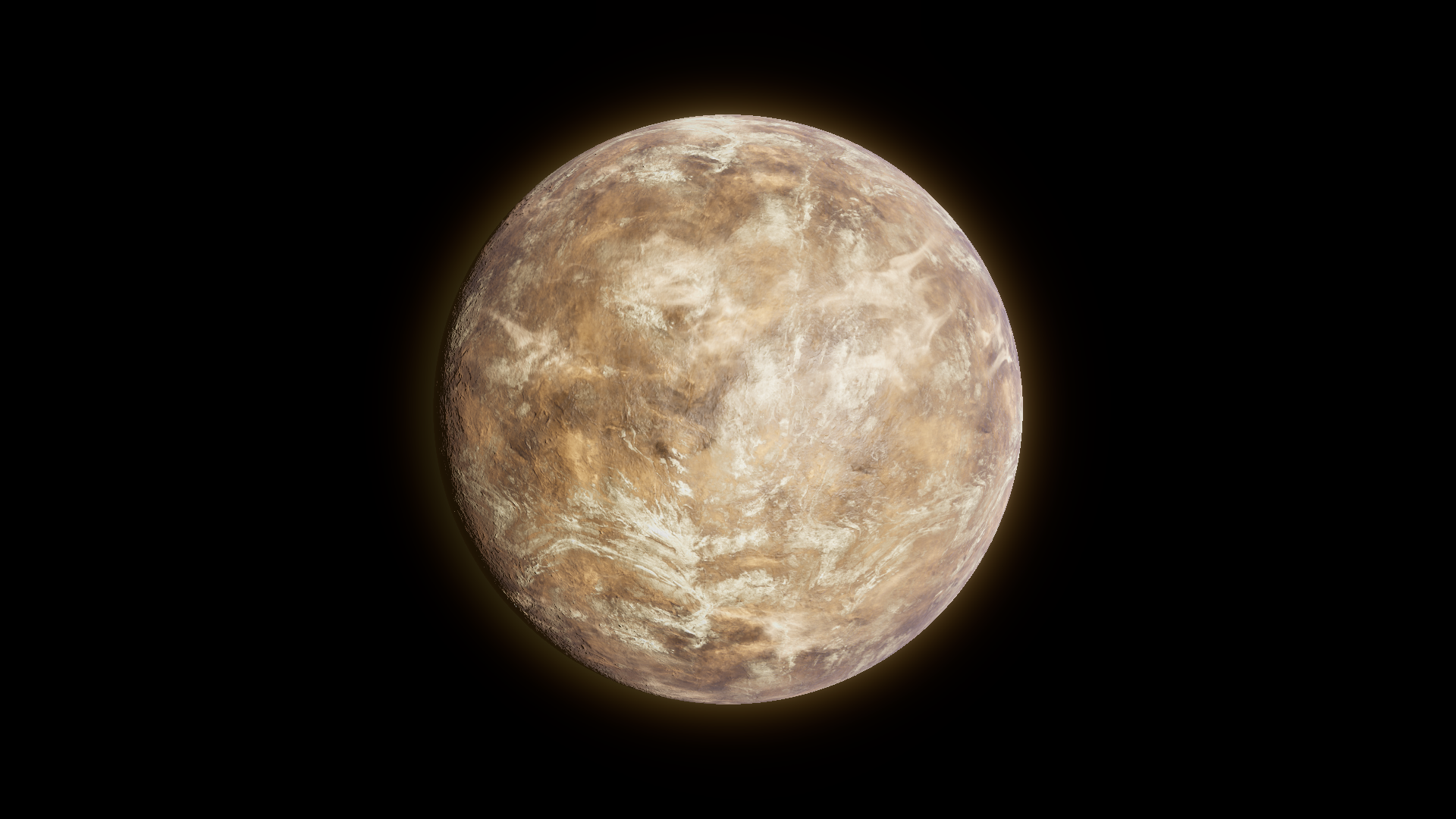
After · Cloud Shadows 0.
Related topics
Section titled “Related topics”Clouds and cloud shadows · Planet surfaces · Shader Reference