

Atmosphere
Add a colored atmospheric arc and glow around a planet using a separate shell.
Visual example
Section titled “Visual example”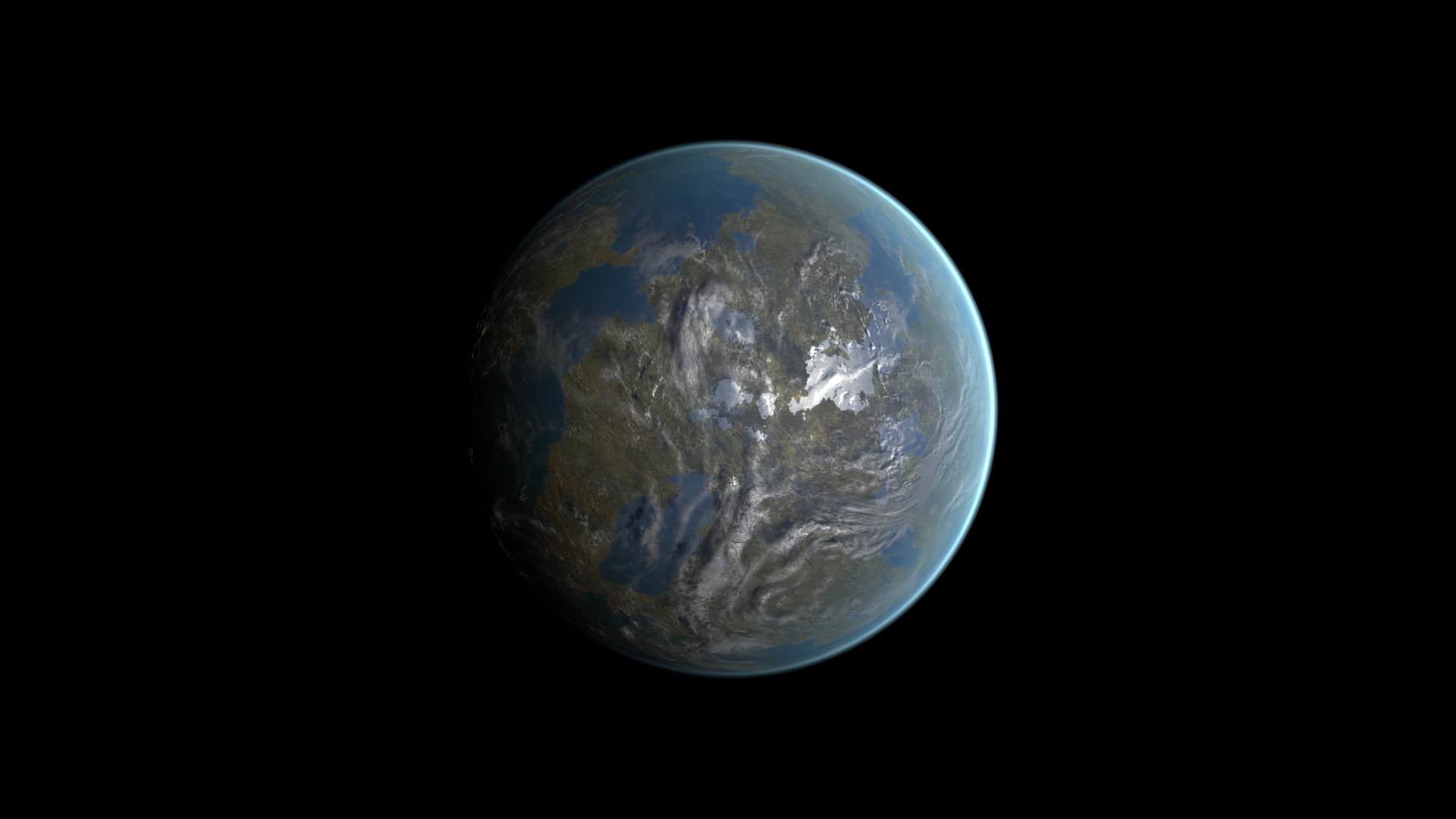
Where to find it
Section titled “Where to find it”Shader menu: FORGE3D/Planets/Atmosphere. Start with Assets/FORGE3D/Planets/Terrestrial/Planet_Terrestrial_01.prefab.
Material: Assets/FORGE3D/Planets/Terrestrial/Materials/Terrestrial_Atmopshere_01_A.mat. Select the relevant Mesh Renderer > Materials slot, duplicate that material into your own folder, and assign the copy before editing. See material ownership.
Main settings
Section titled “Main settings”Select a shell renderer, not the surface. Multiple shell materials can contribute to the final glow. This shader adds color over the scene; color alpha is not a conventional shell-opacity control. Main-light direction and camera angle affect its arc. Begin with the terrestrial atmosphere for clear glow adjustments; some Moon presets suppress that glow branch.
Scattering arc
Section titled “Scattering arc”| Inspector setting | Property ID | Use and visual effect |
|---|---|---|
| Atmosphere Sample | _AtmosphereSample | Ramp texture for the atmosphere’s scattering color. Keep the supplied ramp while changing the glow palette. |
| Scattering Offset | _ScatteringOffset | Moves the scattering limb boundary. Adjust in small steps while viewing the planet edge. |
| Scattering Color | _ScatteringColor | Tint of atmospheric scattering. Intensity, ramp and main light also determine the visible arc. |
| Scattering Intensity | _ScatteringIntensity | Multiplier for atmospheric scattering. Increase for a stronger arc while retaining a readable surface. |
| Scattering Factor | _ScatteringFactor | Exponent shaping the scattering toward the limb. Tune to change the arc’s concentration. |
Limb glow
Section titled “Limb glow”| Inspector setting | Property ID | Use and visual effect |
|---|---|---|
| Glow Offset | _GlowOffset | Moves the glow limb boundary. Tune separately from Scattering Offset to position the outer glow. |
| Glow Color | _GlowColor | Tint of the glow contribution. Use with Glow Intensity and Glow Factor; some presets suppress this branch. |
| Glow Intensity | _GlowIntensity | Strength of the glow contribution. Start from a terrestrial atmosphere when learning this control. |
| Glow Factor | _GlowFactor | Exponent shaping the glow near the limb. Changes its concentration, with Glow Offset defining the boundary. |
Lighting and shell fit
Section titled “Lighting and shell fit”| Inspector setting | Property ID | Use and visual effect |
|---|---|---|
| Light Exp | _LightExp | Exponent shaping the atmosphere’s light/view angular response. Changes the extent of the illuminated atmospheric arc. |
| Light Multiply | _LightMultiply | Strength of the main-light gate on the atmosphere. Tune after choosing the light direction. |
| Vertex Offset | _VertexOffset | Offsets the atmosphere shell vertices. Change carefully to adjust shell fit; preserve the prefab’s relative shell sizes. |
| UV Offset | _UVOffset | Moves the sampling position along the atmosphere ramp. Use to shift the visible ramp colors. |
Advanced settings
Section titled “Advanced settings”Atmosphere Sample is a color ramp, and UV Offset moves its sampling position. The limb offsets can reach a saturated boundary where further changes are subtle. Adjust them gradually with an active scattering/glow recipe, then use Vertex Offset only if shell fit needs changing. For mapping and rendering details, see Technical reference.
Practical example
Section titled “Practical example”Duplicate the atmosphere material assigned to Planet_Terrestrial_01. Compare Scattering Intensity = 13.27 and 26.54 for a stronger arc. Reset it, then compare Glow Intensity = 0.12 and 0.24. Finish by matching Scattering Color and Glow Color to the surface palette.
Setting comparisons
Section titled “Setting comparisons”These examples keep the camera, light and other material settings fixed within each pair. Before appears first and After second. Values describe these examples, rather than a required range.
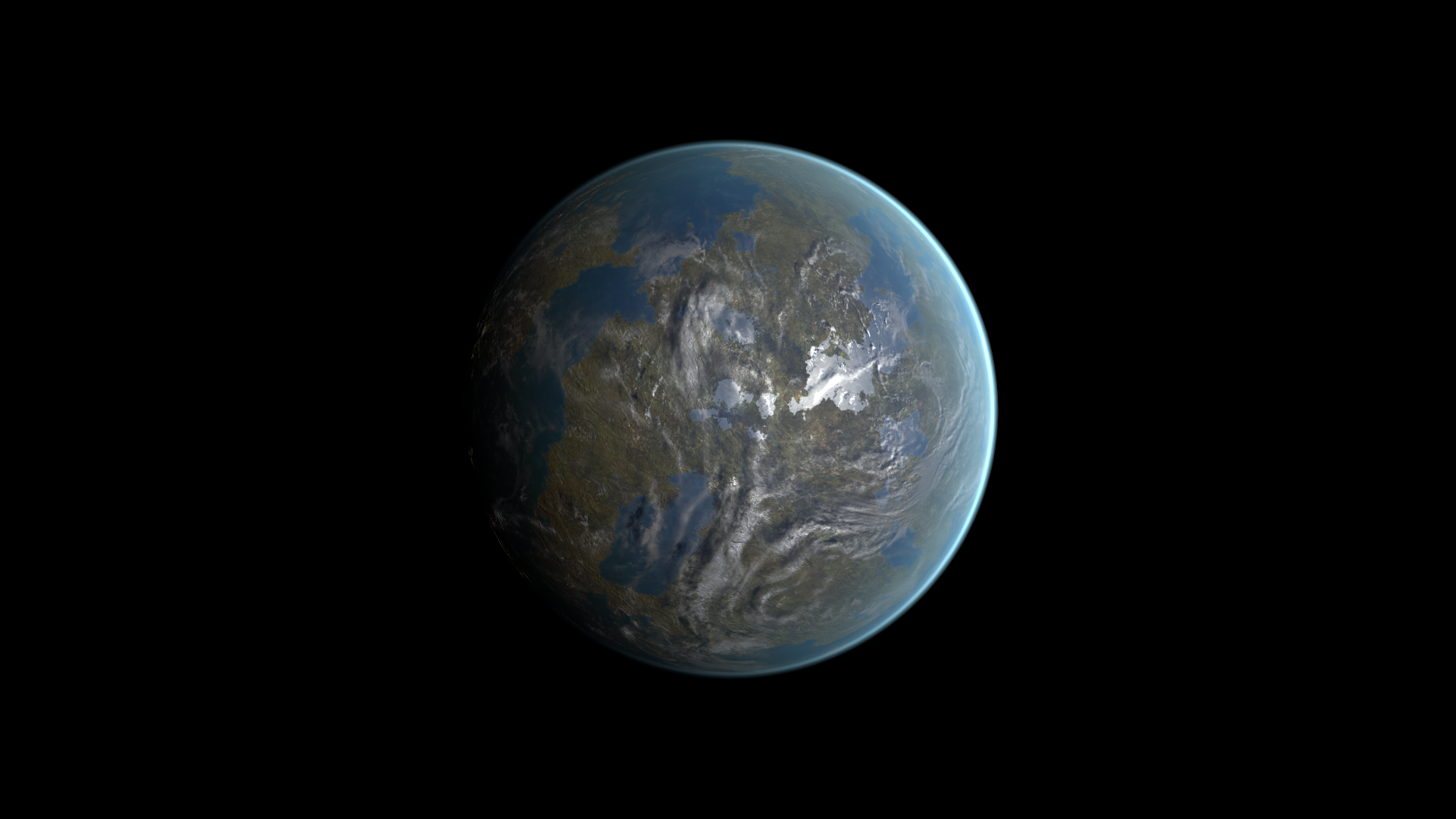
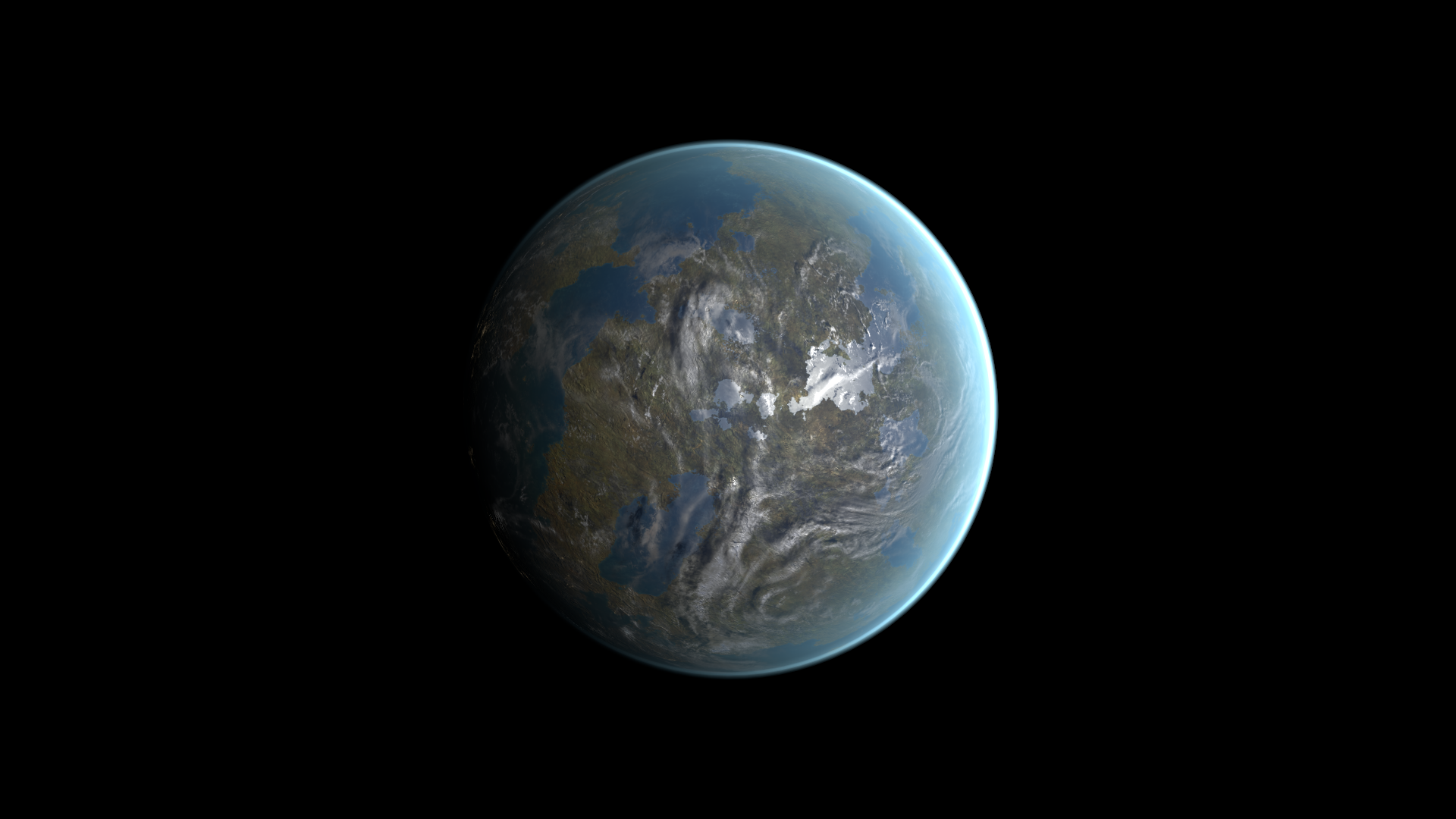
Scattering Intensity comparison
Section titled “Scattering Intensity comparison”Before: 13.27; After: 26.54
Look at the strength of the illuminated atmospheric arc.
Before — Scattering Intensity = 13.27
After — Scattering Intensity = 26.54
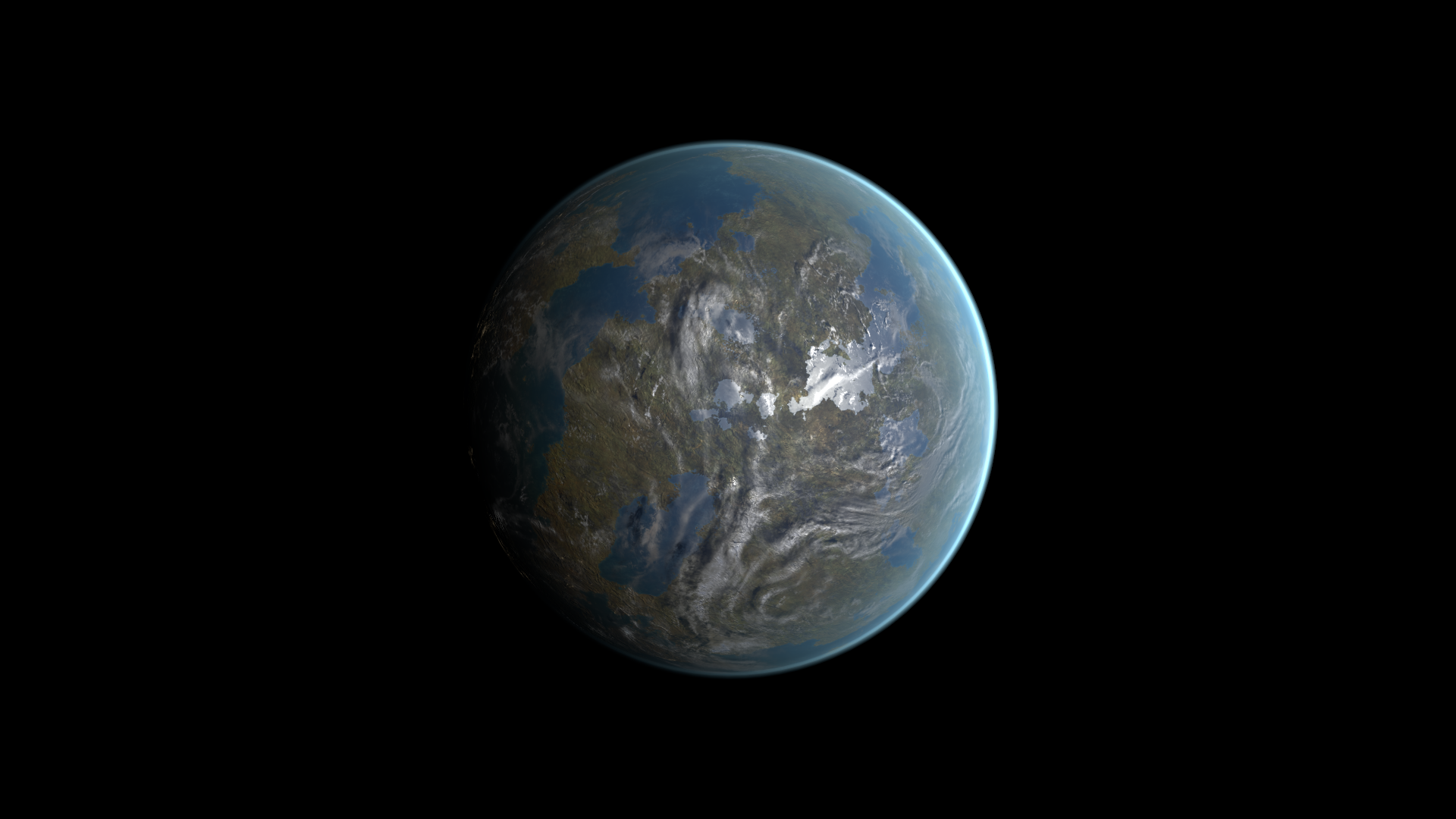
Glow Intensity comparison
Section titled “Glow Intensity comparison”Before: 0.12; After: 0.24
Look at the glow along the limb while the surface stays in place.
Before — Glow Intensity = 0.12
After — Glow Intensity = 0.24
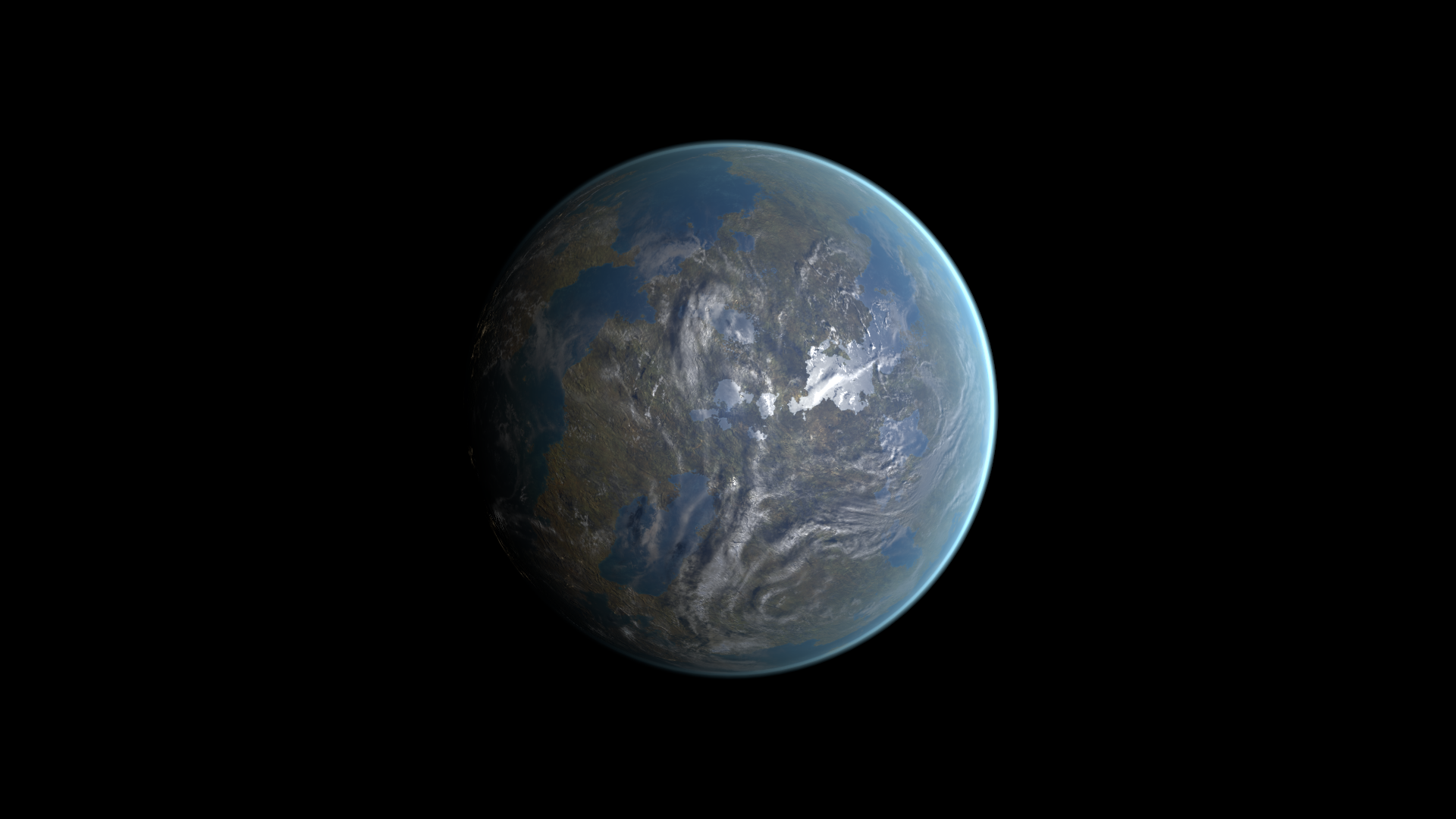
Light Exp comparison
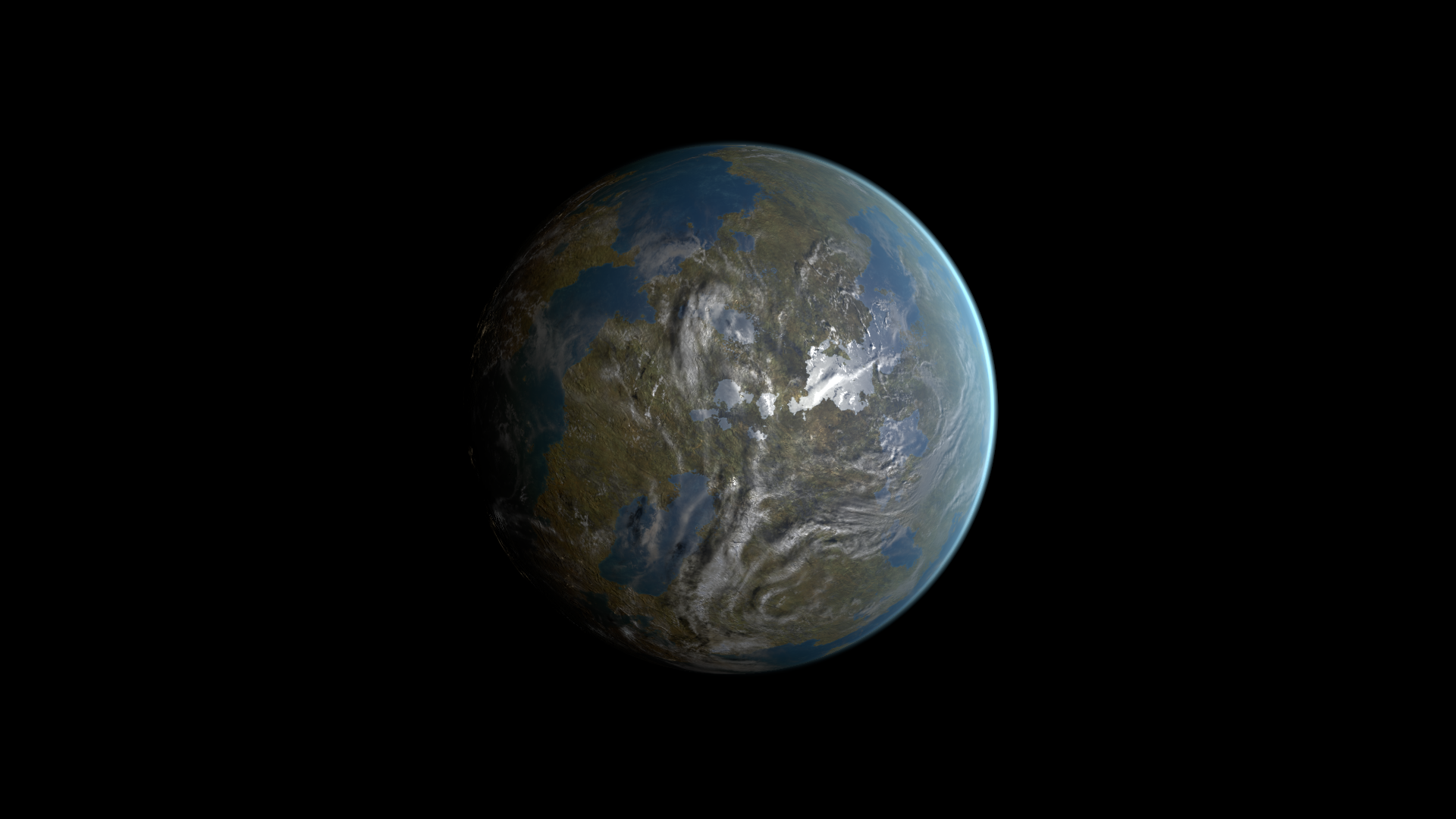
Section titled “Light Exp comparison”Before: 4.49; After: 8.98
Look at the angular extent of the illuminated atmospheric arc.
Before — Light Exp = 4.49
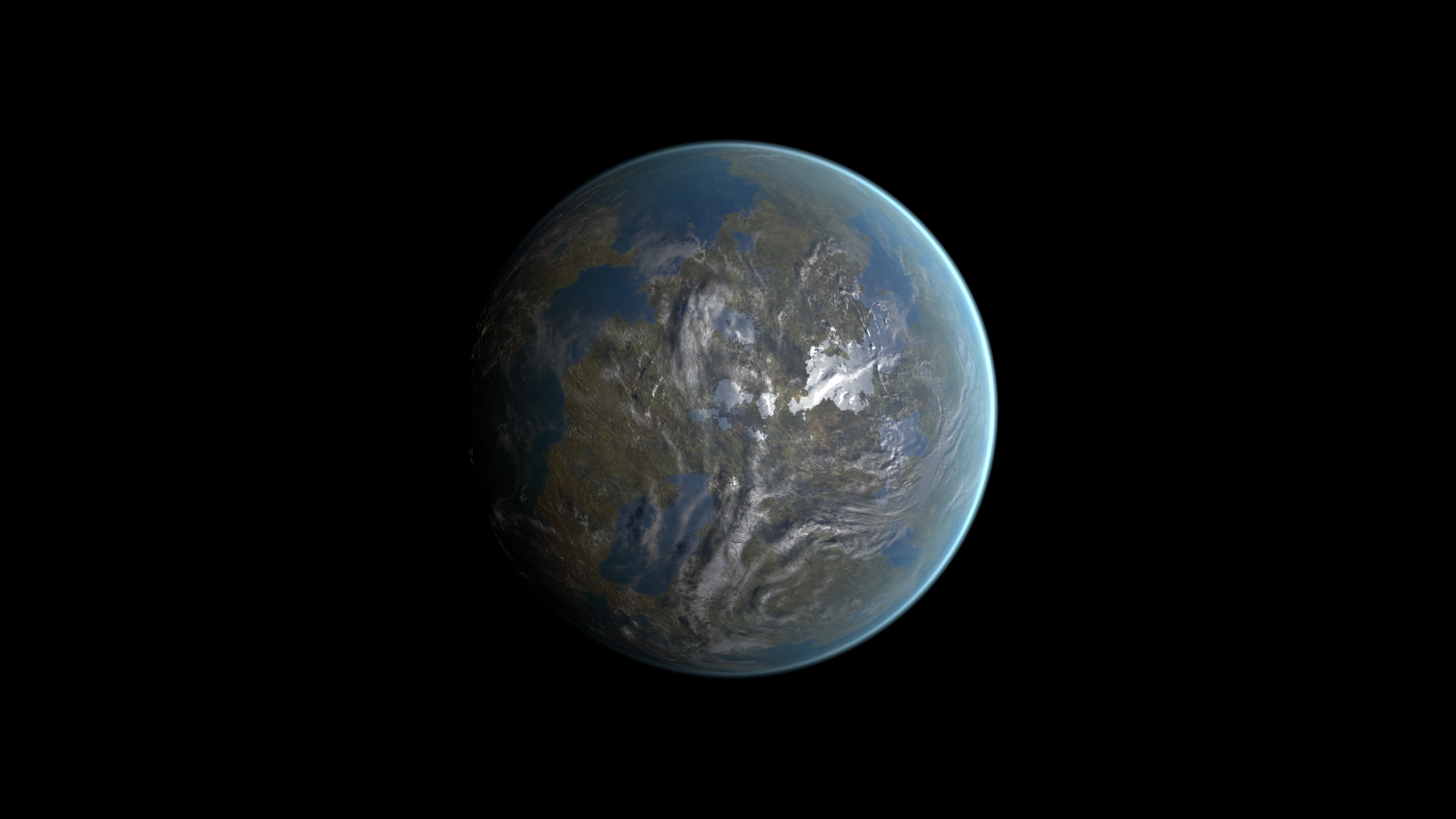
After — Light Exp = 8.98
Related topics
Section titled “Related topics”Shader guide · Materials and customization · Lighting and effects · Practical workflows · Troubleshooting