

Gas
Overview
Section titled “Overview”Color and animate banded clouds on a gas giant, with a separate treatment for the poles.
Shader menu · FORGE3D/Planets HD/Gas
Visual example
Section titled “Visual example”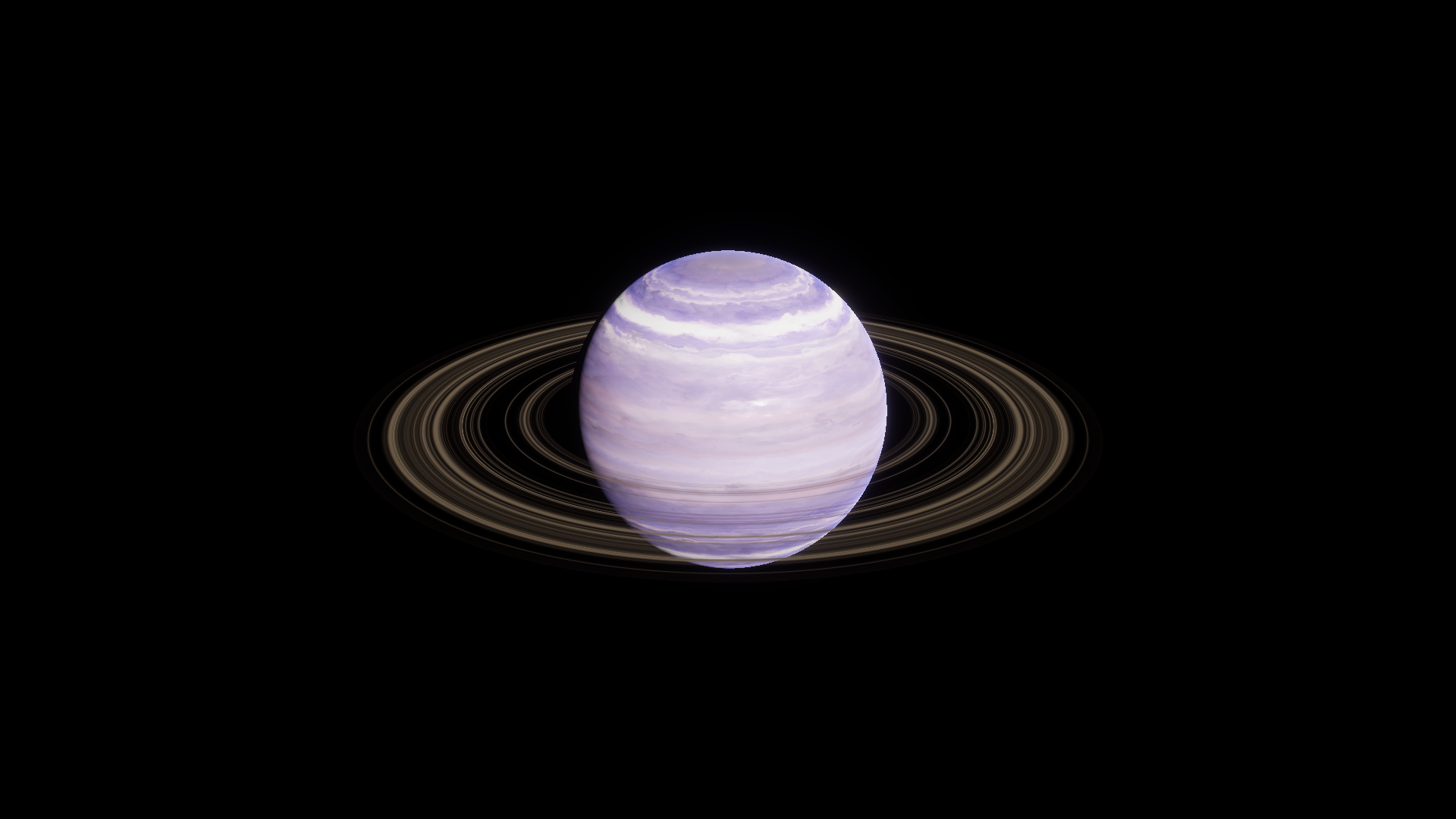
Before · Body Tint RGB (1, 1, 1).
Where to find it
Section titled “Where to find it”Paths are relative to Assets/FORGE3D/Planets HDRP.
The root of Prefabs/Planet_Gas_01.prefab uses Gas/Materials/Planet_Gas_01.mat. The ring uses its own shader and material.
Main settings
Section titled “Main settings”| Group | Inspector setting and property ID | What it changes |
|---|---|---|
| Color | Height Map _HeightMap, Tint _Tint | Set the source bands and tint their RGB. |
| Color | Pole Color _PoleColor, Pole Boost _PoleBoost, Pole Mask Lo/Hi _PoleMaskLoHi | Color and blend the polar regions. Tilt the view so a pole is visible before adjusting. |
| Animation | UV Speed _UVSpeed, UV Distortion Map _UVDistortionMap, UV Distortion Speed _UVDistortionSpeed, UV Distortion _UVDistortion | Pan the bands and their distortion independently. Use nonzero XY speed and compare in Play Mode. |
Advanced settings
Section titled “Advanced settings”| Group | Inspector setting and property ID | What it changes |
|---|---|---|
| Lighting | Metallic Lo/Hi _MetallicLoHi, Metallic Boost _MetallicBoost, Smoothness Lo/Hi _SmoothnessLoHi, Smoothness Boost _SmoothnessBoost | Shape the highlight response of the textured bands. Keep each Lo/Hi pair ordered. |
| Color | Fresnel Color _FresnelColor, Fresnel Power _FresnelPower, Frensel Mult _FrenselMult | Tune the color near the grazing edge of the body. |
Practical example
Section titled “Practical example”Tint the body RGB (1, 0.44, 0.23) for copper bands. Compare the surface without changing the ring material, then preview the motion in Play Mode.
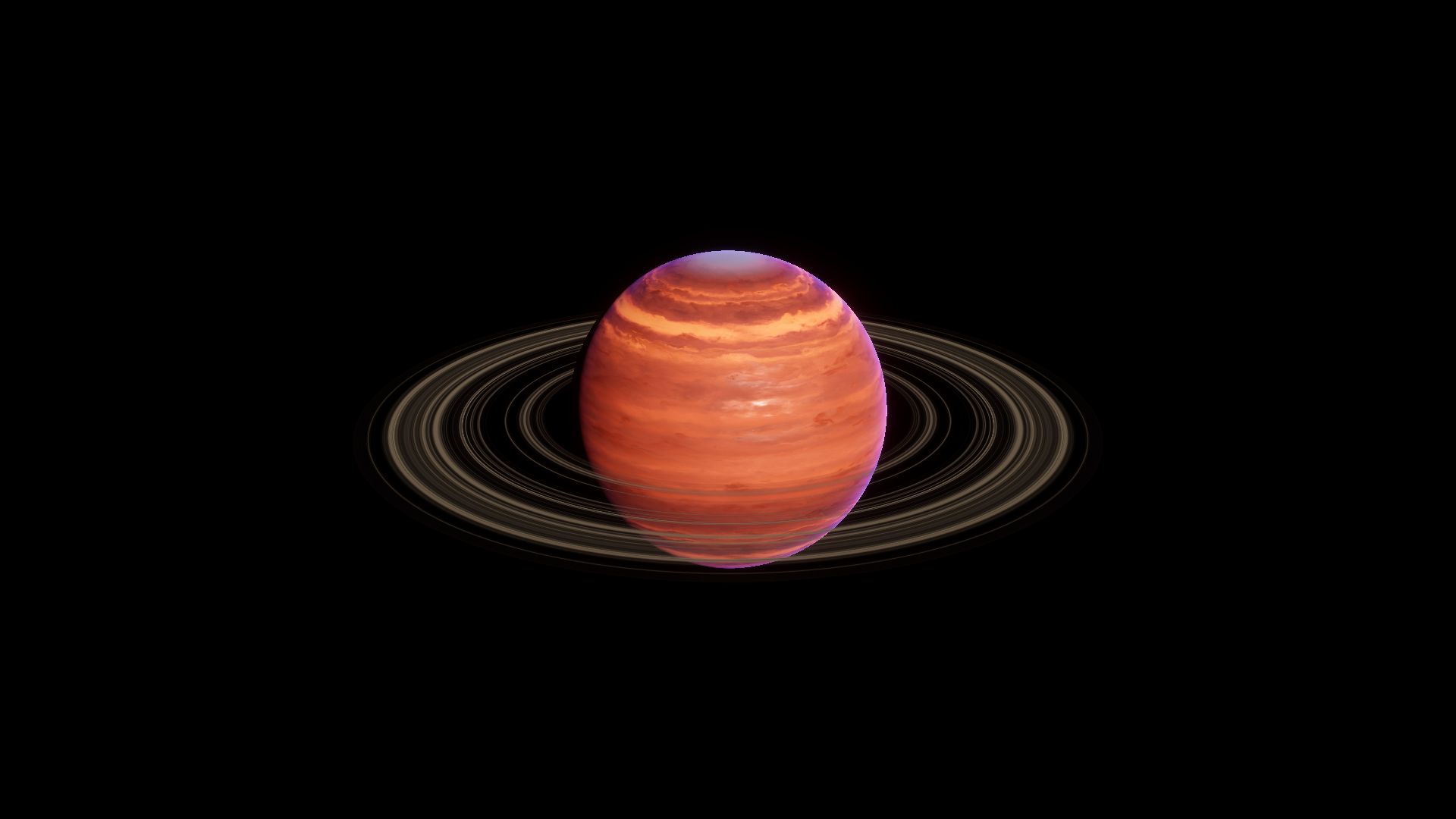
After · Body Tint RGB (1, 0.44, 0.23).