

Sun Corona
Overview
Section titled “Overview”Add animated, additive glow and discharges around the edge of the photosphere.
Shader menu · FORGE3D/Planets HD/Sun Corona
Visual example
Section titled “Visual example”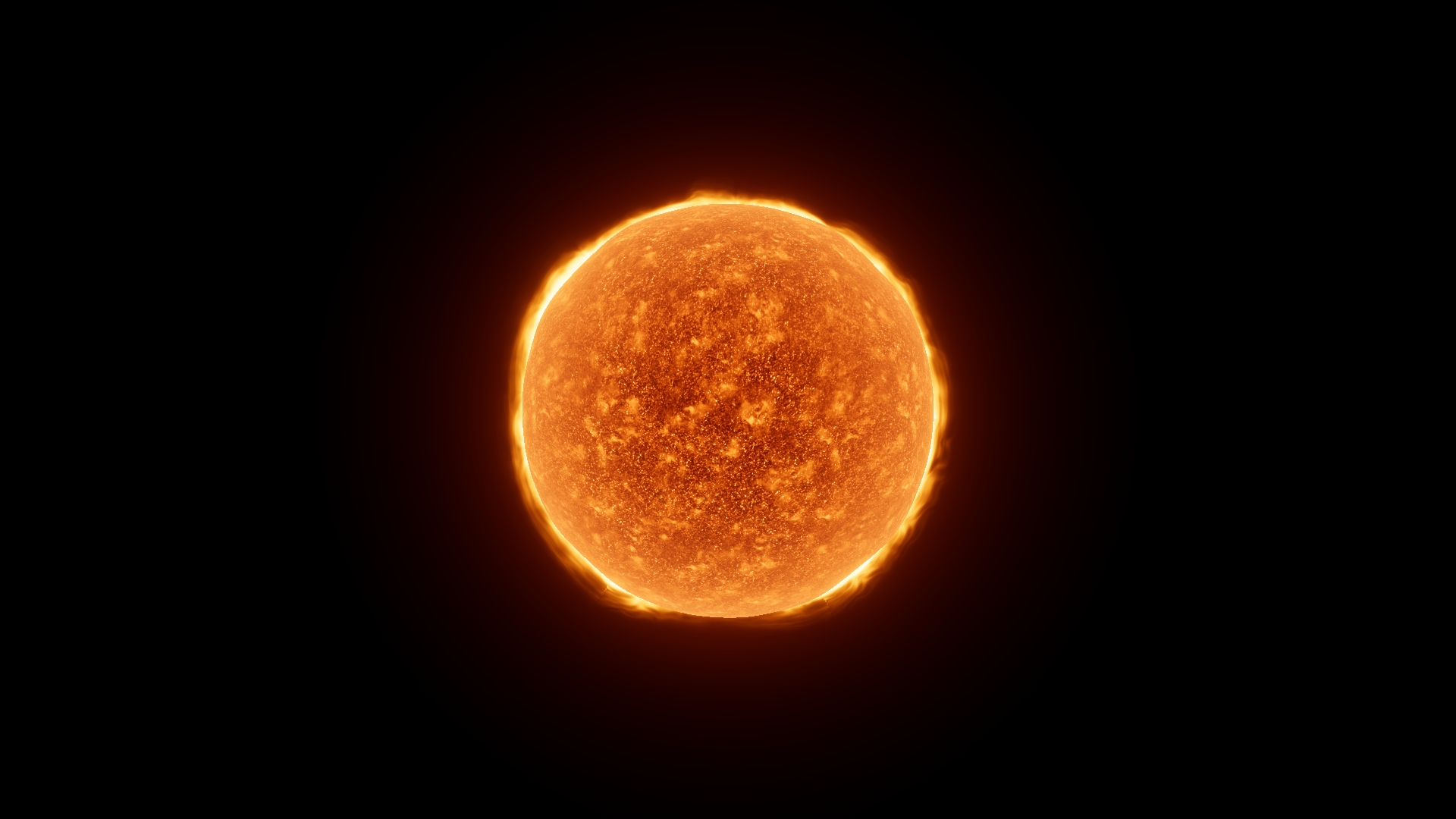
Before · Corona Boost 49.69 at fixed EV 3.5.
Where to find it
Section titled “Where to find it”Paths are relative to Assets/FORGE3D/Planets HDRP.
Select the StarCoronaPlate children on Prefabs/Sun_Red.prefab. They use Sun/Materials/Sun_Corona_Red_01.mat.
Main settings
Section titled “Main settings”| Group | Inspector setting and property ID | What it changes |
|---|---|---|
| Color and emission | Corona Color _CoronaColor, Corona Boost _CoronaBoost, Corona Falloff _CoronaFalloff | Tint the glow and tune the strength and shape of its radial mask. |
| Animation | Corona Map _CoronaMap, Corona Speed _CoronaSpeed, Discharge Pan Speed _DischargePanSpeed | Supply the R/G corona and storm patterns and set how they move. |
Advanced settings
Section titled “Advanced settings”| Group | Inspector setting and property ID | What it changes |
|---|---|---|
| Surface | Corona Tile X _CoronaTileX, Corona Tile Y _CoronaTileY, Corona Fluid Influence _CoronaFluidInfluence | Adjust pattern scale and the amount of shifting detail. |
| Transparency | Edge Fade Falloff _EdgeFadeFalloff, Edge Fade Boost _EdgeFadeBoost, Depth Fade _DepthFade | Shape the plate’s view-angle fade and depth interaction. Preserve the preset when framing a star at its original scale. |
Practical example
Section titled “Practical example”Put one copied material on the matching corona plates and compare Corona Boost 49.69 and 0. The corona fades while the photosphere and atmosphere materials remain assigned.
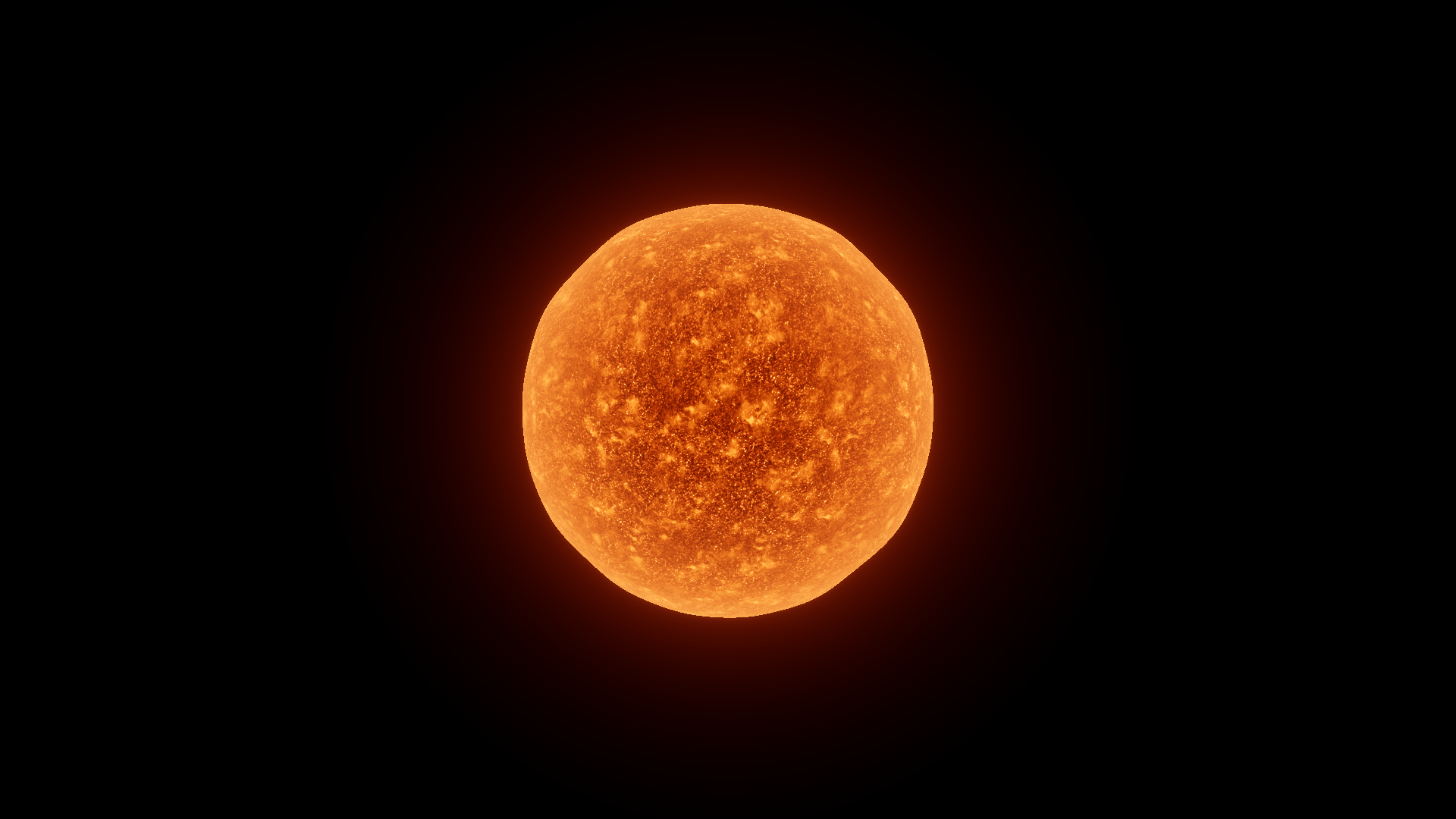
After · Corona Boost 0 with the same fixed Exposure.