

Ice
Overview
Section titled “Overview”Use a layered ice palette and surface detail to shade frozen worlds.
Shader menu · FORGE3D/Planets HD/Ice
Visual example
Section titled “Visual example”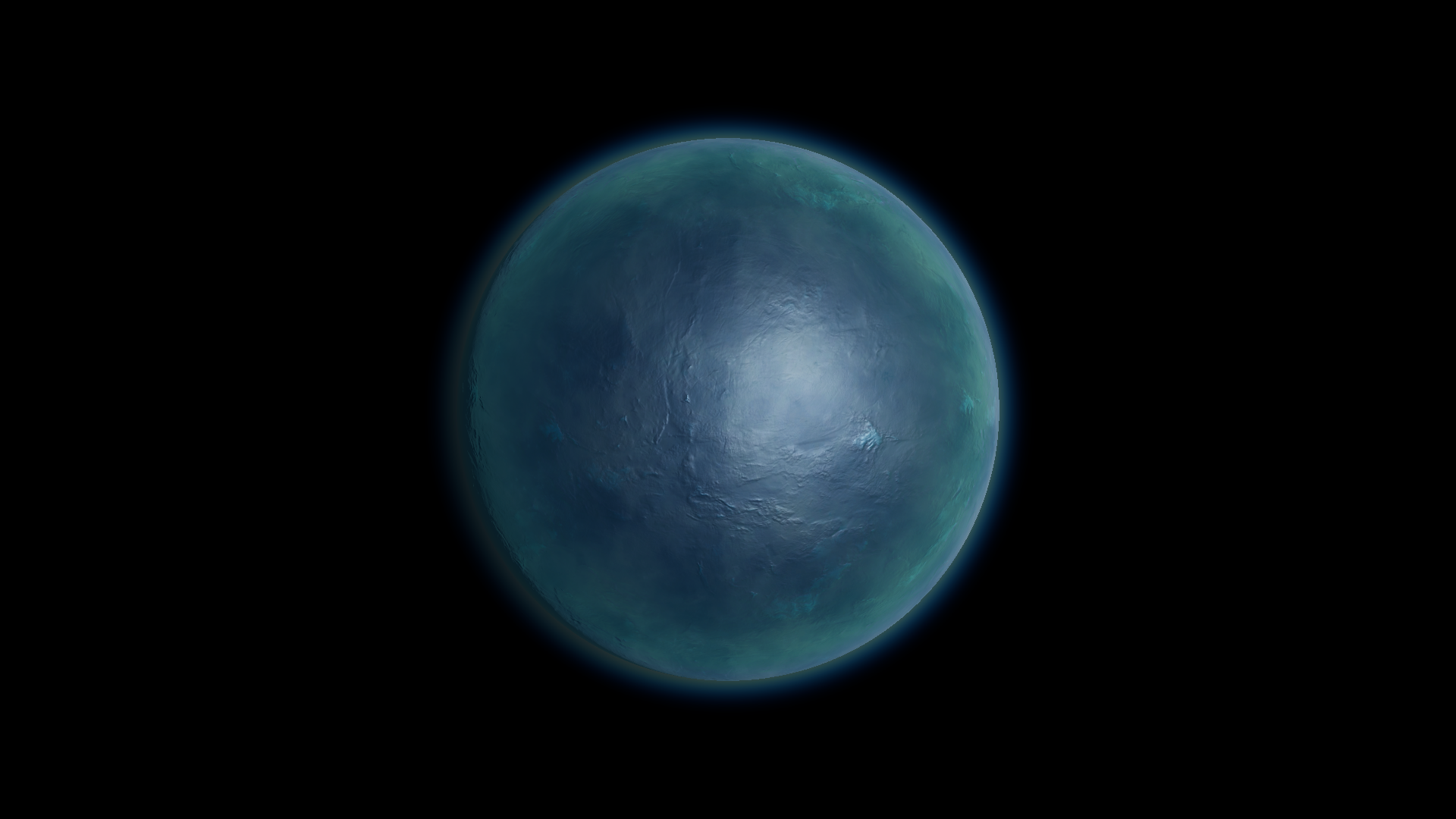
Before · Ice Detail −1.42 on Ice 01.
Where to find it
Section titled “Where to find it”Paths are relative to Assets/FORGE3D/Planets HDRP.
Select the body on Prefabs/Planet_Ice_01.prefab. Its material is Ice/Materials/Planet_Ice_01.mat.
Main settings
Section titled “Main settings”| Group | Inspector setting and property ID | What it changes |
|---|---|---|
| Color | RampLow _RampLow, RampMid _RampMid, RampHigh _RampHigh | Color low, middle and high regions of the ice pattern. |
| Surface | Color Map _ColorMap, Height Map _HeightMap, Detail Map _DetailMap, Ice Detail _IceDetail | Supply color and height detail. Ice Detail reshapes how the pattern falls across the color ramp. |
| Lighting | Specular _Specular, Smoothness _Smoothness, Normal Scale _NormalScale | Tune sheen and relief under a visible light. |
Advanced settings
Section titled “Advanced settings”| Group | Inspector setting and property ID | What it changes |
|---|---|---|
| Surface | Ice Factor A _IceFactorA, Ice Factor B _IceFactorB, Ice Factor C _IceFactorC | Set the two bounds and midpoint of the color remap. Work from the preset and make small changes so you can still see all three colors. |
| Surface | Detail Tiling _DetailTiling, Height Tiling _HeightTiling, Triplanar Falloff _TriplanarFalloff | Tune texture scale and the blend between projected directions. |
| Color | Color Boost _ColorBoost, Fresnel Color _FresnelColor | Strengthen the palette or tint the grazing edge. |
Practical example
Section titled “Practical example”Compare Ice Detail at −1.42 and 2 on Ice 01 while keeping the ramp and light fixed. Look at the transition between the bright and darker surface patches.
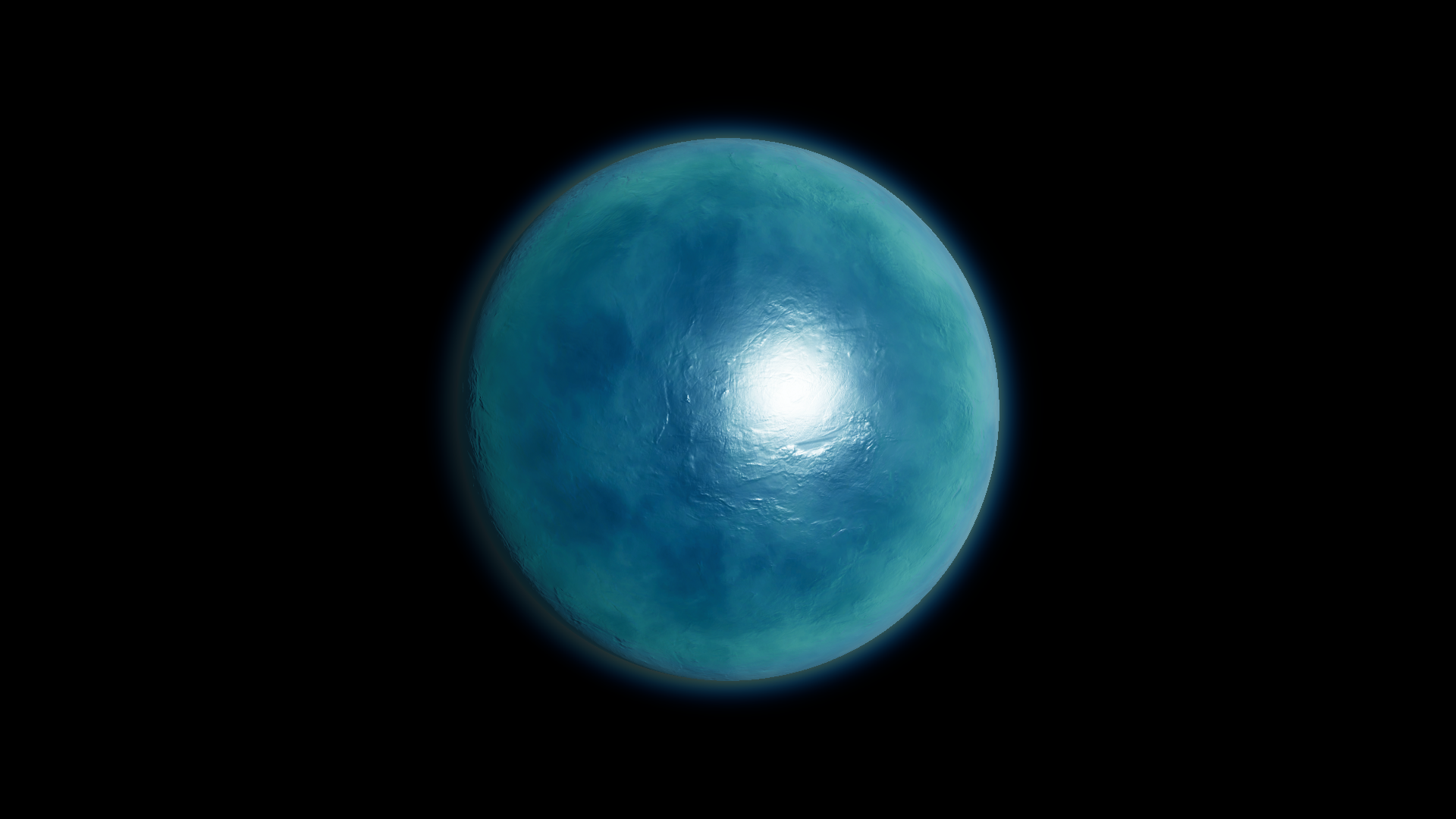
After · Ice Detail 2.