

Moon
Overview
Section titled “Overview”Shade cratered rock with triplanar color, normal detail and a separate highlight map.
Shader menu · FORGE3D/Planets HD/Moon
Visual example
Section titled “Visual example”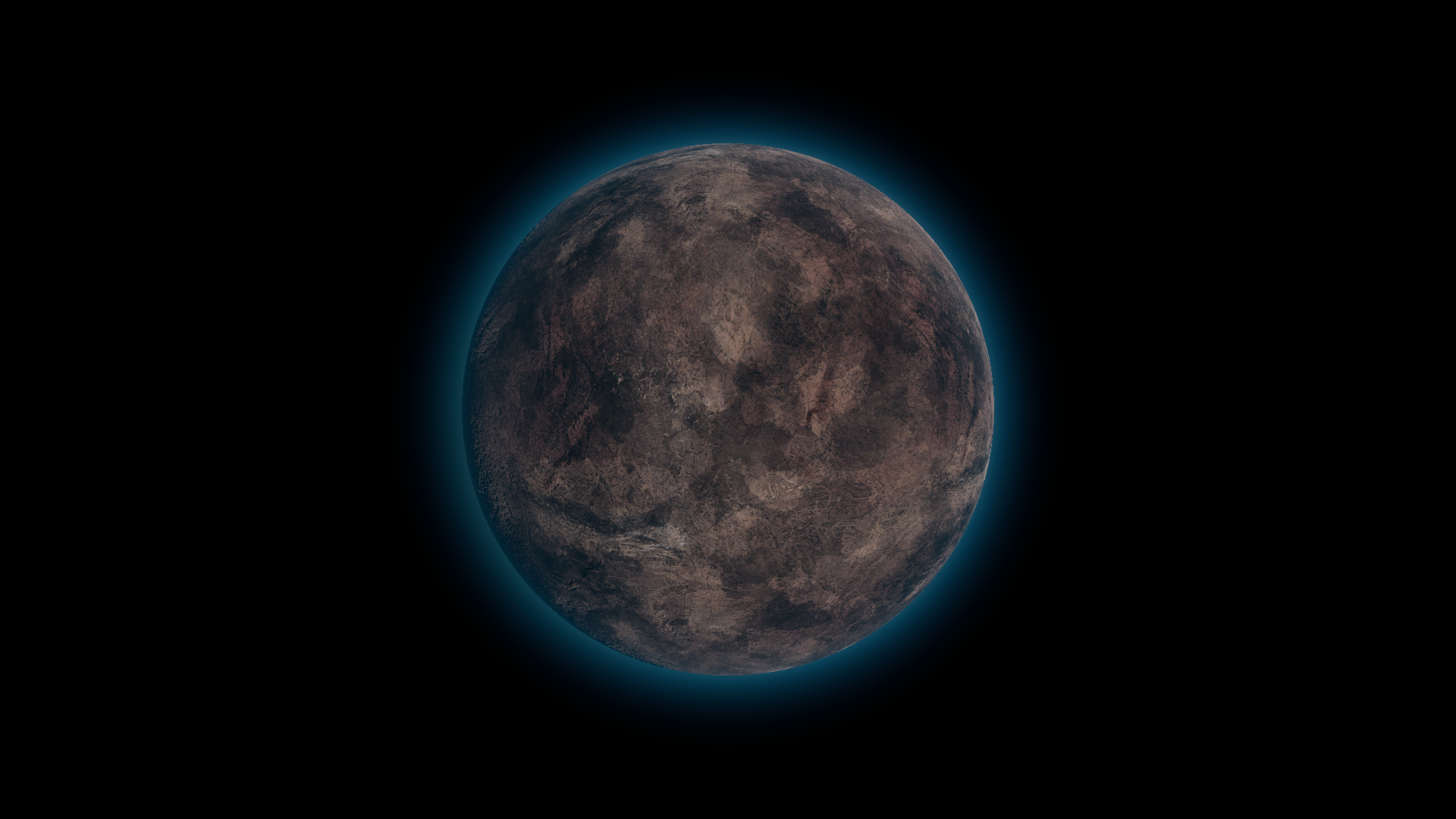
Before · Tint RGB (1, 1, 1).
Where to find it
Section titled “Where to find it”Paths are relative to Assets/FORGE3D/Planets HDRP.
Start with Prefabs/Moon_01.prefab and Moon/Materials/Moon_01.mat on its body.
Main settings
Section titled “Main settings”| Group | Inspector setting and property ID | What it changes |
|---|---|---|
| Color | Albedo _Albedo, Tint _Tint | Supply and tint the terrain color. |
| Surface | Normal _Normal, Normal Scale _NormalScale | Set and tune the apparent relief on craters. |
| Lighting | SpecularMap _SpecularMap, Specular _Specular, Smoothness _Smoothness | Shape the highlights. The map’s red channel gates both specular response and smoothness. |
Advanced settings
Section titled “Advanced settings”| Group | Inspector setting and property ID | What it changes |
|---|---|---|
| Surface | Albedo Tiling _AlbedoTiling, Normal Tiling _NormalTiling, Specular Tiling _SpecularTiling | Scale each texture independently. |
| Lighting | Scatter Map _ScatterMap, Scatter Color _ScatterColor, Scatter Boost _ScatterBoost, Scatter Indirect _ScatterIndirect | Shape the directional highlight color and its minimum contribution. |
Practical example
Section titled “Practical example”Use grazing light to make the relief readable, then cool Tint to RGB (0.45, 0.7, 1). Edit the atmosphere material separately if you want a matching rim.
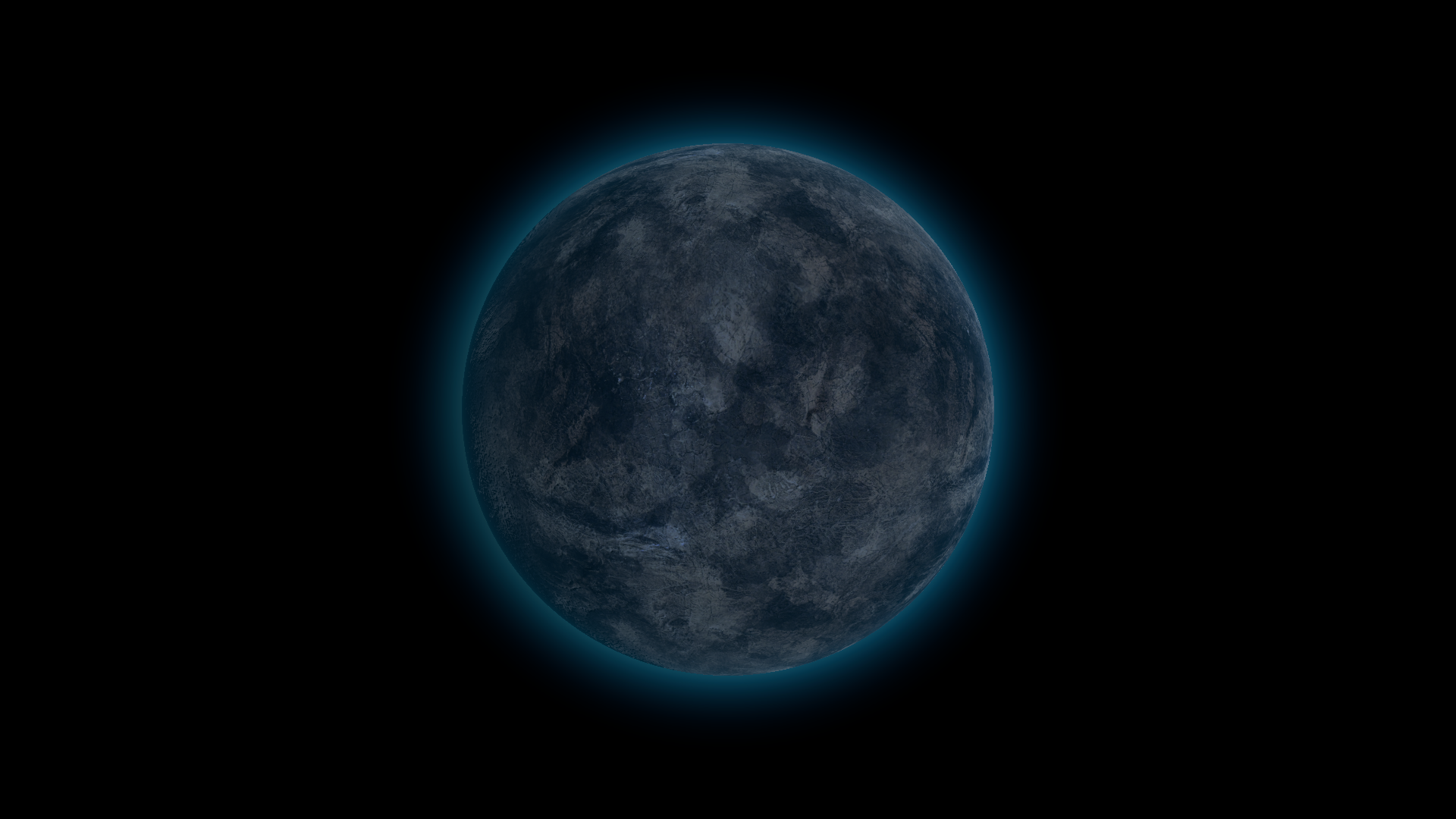
After · Tint RGB (0.45, 0.7, 1).