

Thunderstorm
Overview
Section titled “Overview”Animate storm detail and add bursts of lightning emission to the planet surface.
Shader menu · FORGE3D/Planets HD/Thunderstorm
Visual example
Section titled “Visual example”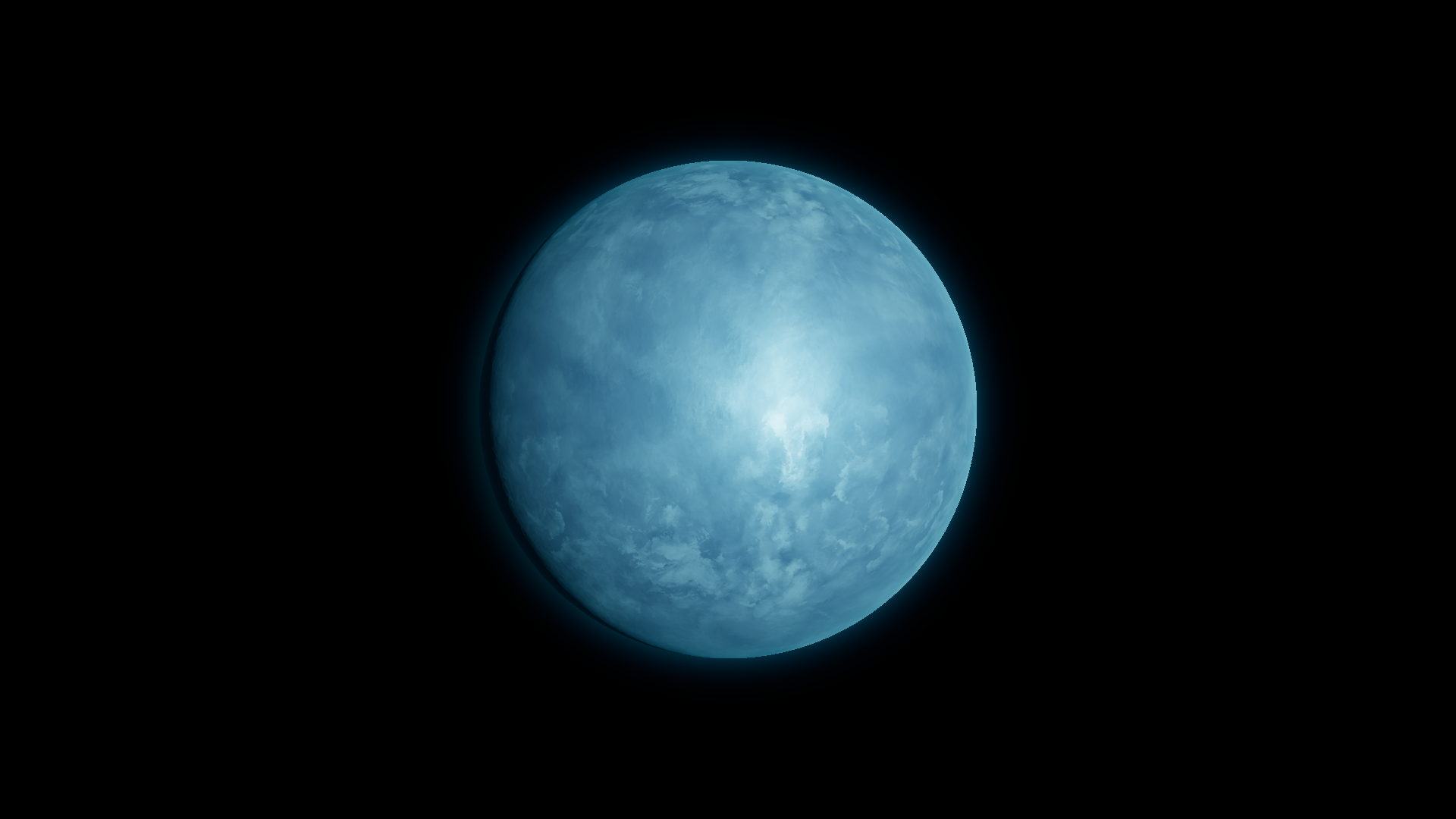
Before · Tint High RGB (0.596, 0.900, 1.000), rounded. This pair compares the surface palette.
Where to find it
Section titled “Where to find it”Paths are relative to Assets/FORGE3D/Planets HDRP.
The body of Prefabs/Planet_Thunderstorm_01.prefab uses Thunderstorm/Materials/Planet_Thunderstorm_01.mat.
Main settings
Section titled “Main settings”| Group | Inspector setting and property ID | What it changes |
|---|---|---|
| Color | Tint High _TintHigh, Tint Low _TintLow, Detail Pow _DetailPow, Detail Boost _DetailBoost | Color the bright and dark storm detail and tune its contrast. |
| Emission | Lightning Color _LightningColor, Lightning Boost _LightningBoost | Color the flash and control its strength during an active phase. |
| Emission | Lighting Mask Map _LightingMaskMap, Lighting Map _LightingMap | Supply the flash masks and patterns. Keep both maps for the preset look. |
Advanced settings
Section titled “Advanced settings”| Group | Inspector setting and property ID | What it changes |
|---|---|---|
| Animation | Lighting A Frequency _LightingAFrequency, Lighting B Frequency _LightingBFrequency, Lightning Sine Mult _LightningSineMult | Change time progression and the flash envelope. Judge these controls over several seconds. |
| Emission | Lignting Mask Pow _LigntingMaskPow, Lighting Mask A Tiling _LightingMaskATiling, Lighting Mask B Tiling _LightingMaskBTiling | Shape the strength and scale of the two masks. |
| Surface | Normal Scale _NormalScale, Distortion Factor _DistortionFactor, Normlal Distortion Factor _NormlalDistortionFactor | Tune the relief and distortion of moving surface detail. |
Practical example
Section titled “Practical example”Change Tint High to purple while retaining the original dark tint. Then enter Play Mode and compare Lightning Color during active flashes. See the matched active-phase comparison.
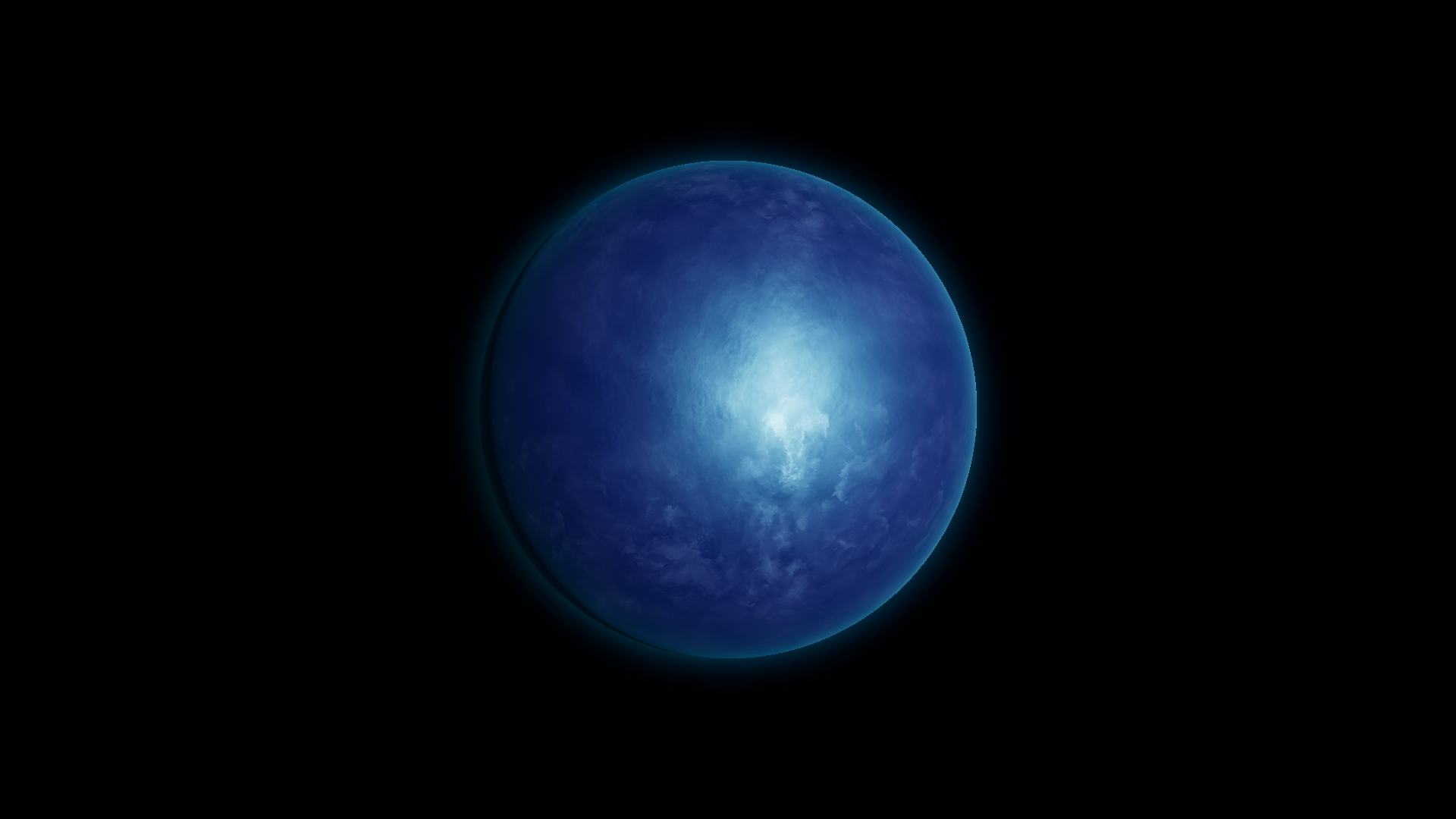
After · Tint High RGB (0.32, 0.09, 0.48) under the same lighting.
Related topics
Section titled “Related topics”Lava and lightning · Lighting and exposure · Shader Reference