

Ring Opaque
Overview
Section titled “Overview”Identify the auxiliary opaque ring shader and choose a ring material for a new scene.
Shader menu · FORGE3D/Planets HD/Ring Opaque
Visual example
Section titled “Visual example”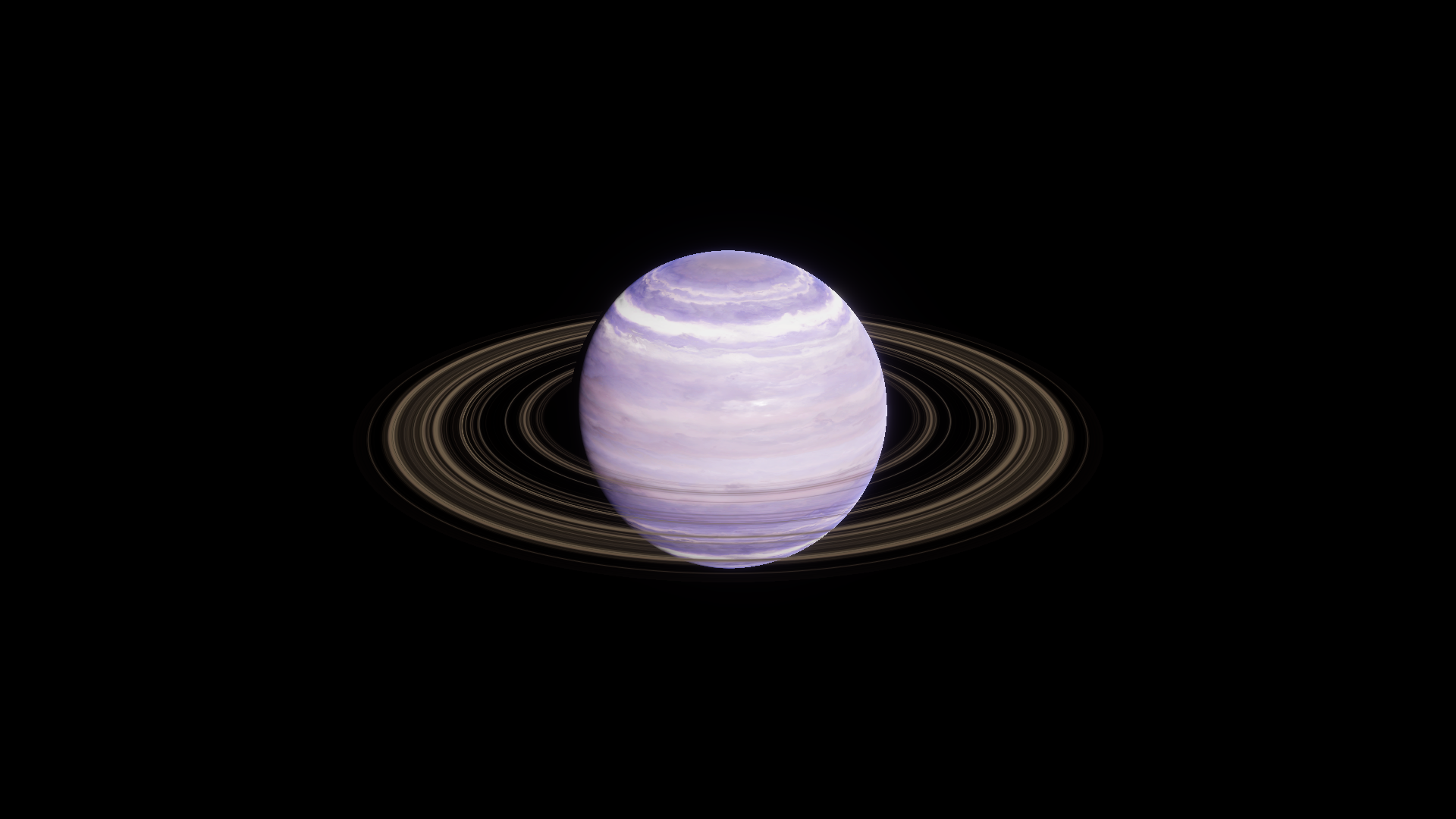
Gas 01 shown with Ring Transparent, the supplied visible ring setup.
Where to find it
Section titled “Where to find it”Paths are relative to Assets/FORGE3D/Planets HDRP.
Find the shader at Shaders/Planet_Ring_Opaque.shader. The supplied Gas prefabs use Transparent Ring materials for their visible rings.
Main settings
Section titled “Main settings”| Group | Inspector setting and property ID | What it changes |
|---|---|---|
| Surface | Detail Map _DetailMap, Ring Size _RingSize, Ring Offset _RingOffset | The inputs describe radial color and band placement for an opaque ring. |
| Color | Ring Tint _RingTint | RGB is the color input. Use the Transparent Ring material for alpha-controlled gaps. |
Advanced settings
Section titled “Advanced settings”Metallic (_Metallic) and Smoothness (_Smoothness) are the Lit surface inputs. Use the supplied transparent preset for rings that need to wrap cleanly around a planet.
Practical example
Section titled “Practical example”Place Planet_Gas_01 and select Planet_Ring_01. Keep its Planet_Ring_Gas_01 material and adjust Ring Tint alpha on a copy if you need more solid-looking bands. See the transparent ring workflow.