

Ring Transparent
Overview
Section titled “Overview”Draw translucent, lit rings with tinted bands, visible gaps and a directional shadow on the ring.
Shader menu · FORGE3D/Planets HD/Ring Transparent
Visual example
Section titled “Visual example”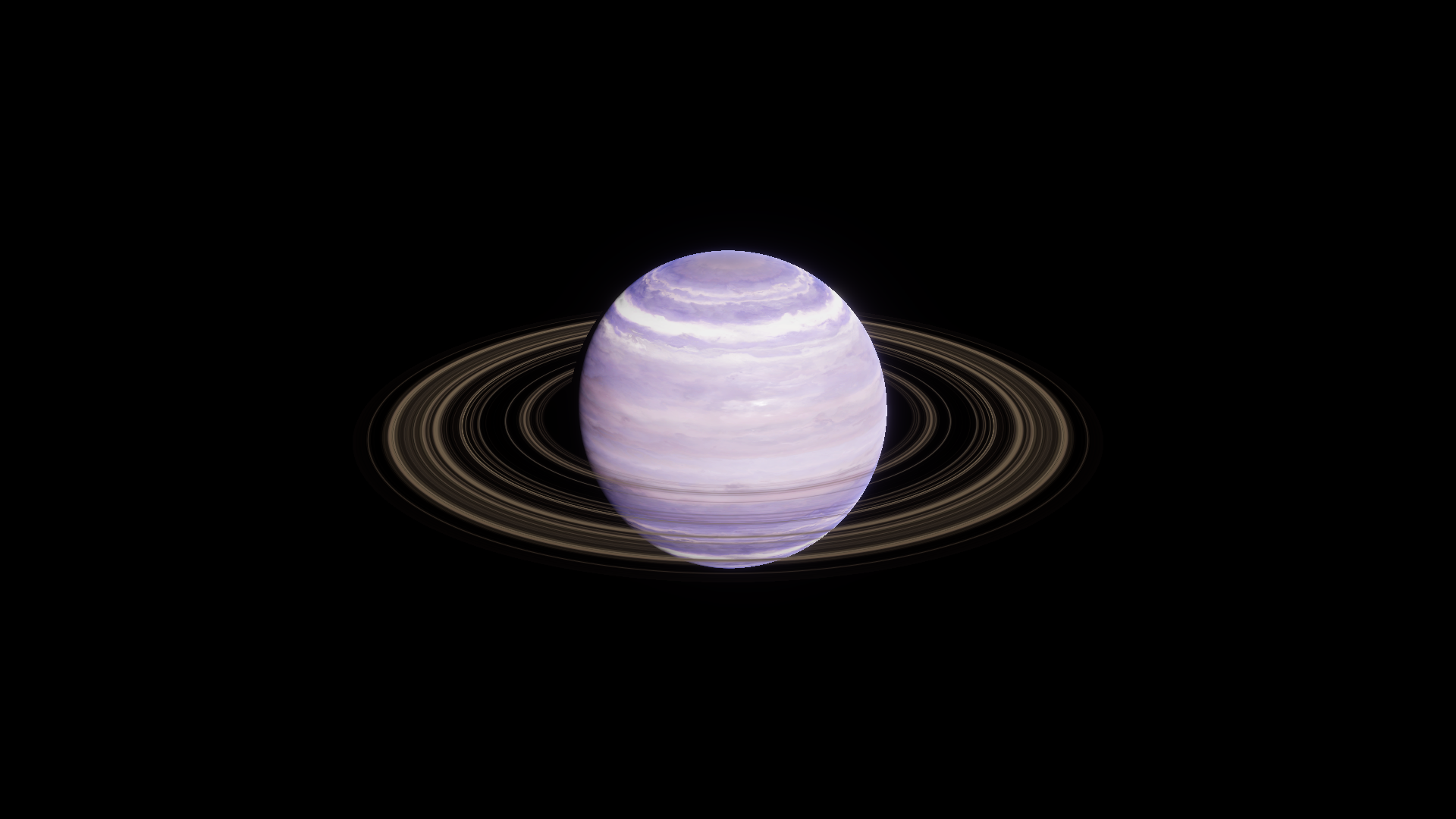
Before · Ring Tint RGBA (1, 1, 1, 1).
Where to find it
Section titled “Where to find it”Paths are relative to Assets/FORGE3D/Planets HDRP.
Use Prefabs/Planet_Gas_01.prefab. The Planet_Ring_01 child uses Gas/Materials/Planet_Ring_Gas_01.mat.
Main settings
Section titled “Main settings”| Group | Inspector setting and property ID | What it changes |
|---|---|---|
| Color and transparency | Detail Map _DetailMap, Ring Tint _RingTint | The radial texture provides RGB color and red-channel opacity. Tint RGB colors the result and tint alpha scales opacity. |
| Surface | Ring Size _RingSize, Ring Offset _RingOffset | Scale and shift the bands across the mesh radius. |
| Lighting | Specular _Specular, Smoothness _Smoothness | Change the ring’s Lit response. Specular is the material’s metallic contribution, while Smoothness shapes its highlights. |
Advanced settings
Section titled “Advanced settings”| Group | Inspector setting and property ID | What it changes |
|---|---|---|
| Lighting | Shadow Vertex _ShadowVertex, Shadow Penumbra _ShadowPenumbra | Change the footprint and edge transition of the directional shading on the ring. Inspect near the planet’s silhouette. |
| Transparency | DepthFade _DepthFade | Changes opacity near intersections with opaque depth. Leave the stock Gas 01 setting in place while tuning color. Compare any custom value from the final camera. |
Practical example
Section titled “Practical example”Set Ring Tint to RGBA (0.24, 0.48, 0.85, 1) on a copy. Then lower alpha if you want a fainter ring. Preserve the stock transparent setup and the centered mesh.
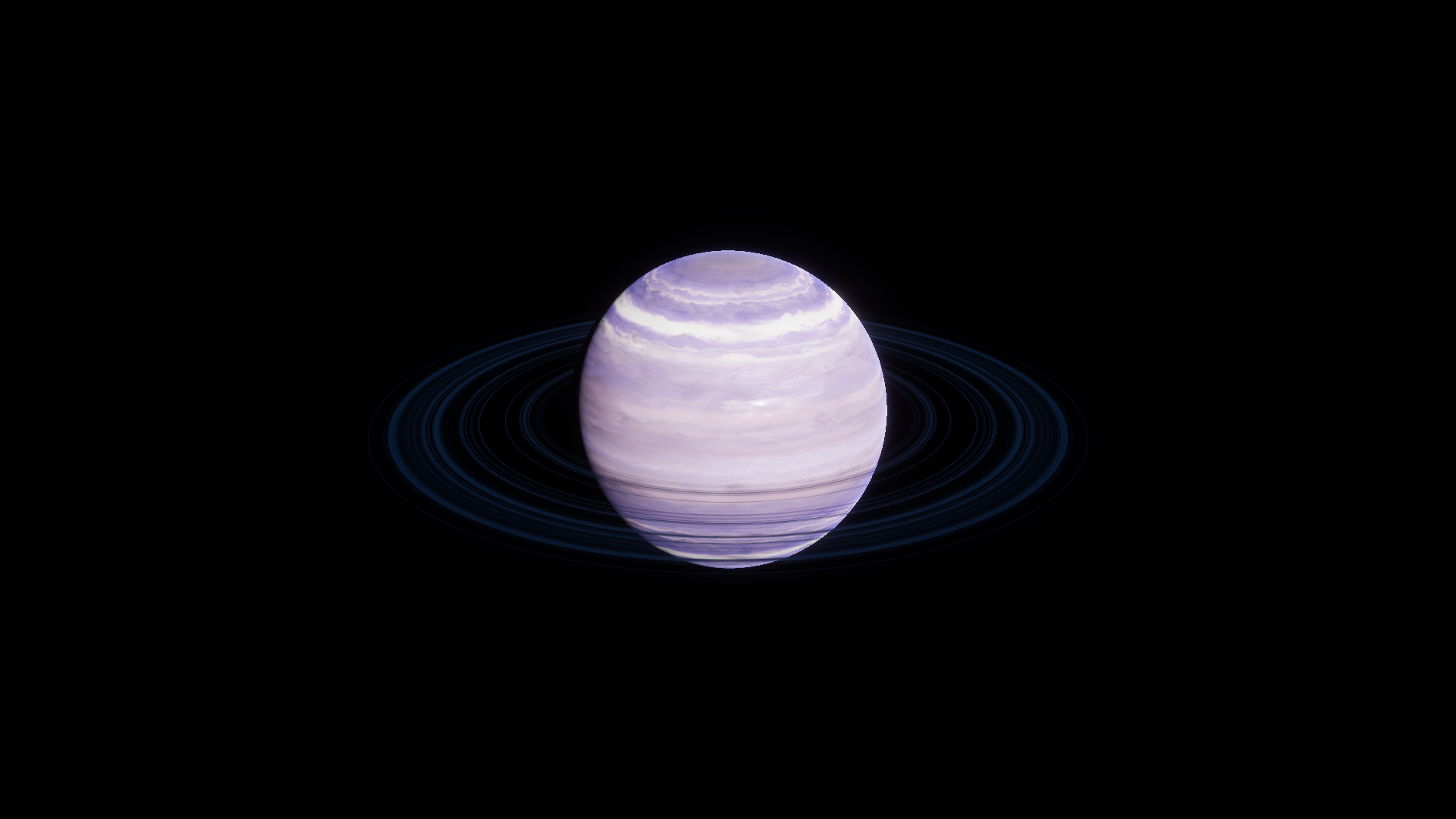
After · Ring Tint RGBA (0.24, 0.48, 0.85, 1).